Top 6 best practices of Apple app store search optimization

Table of Content:
- The iOS Metadata Hierarchy
- Localization as a Keyword Multiplier on iOS
- Stop repeating keywords across fields
- Seasonal and Trending Keywords
- AI Search in App Stores — What's Changing
- Siri, Spotlight, Shortcuts, in-app search, and semantic indexing
- ASO Keyword Research Checklist to start with
- Research & track your app ASO keyword with AppFollow
Apple gives you enough direction to work with, just not enough to get lazy.
You do not get a full algorithm breakdown. No official weighting table. No neat checklist from Apple saying, “Here is exactly how search works.” What you do get is a smaller set of confirmed signals, then years of testing from ASO teams trying to figure out what consistently changes results.
That is why Apple app store search optimization feels different from Google Play. The system is tighter. More hidden. Also less forgiving when you waste your strongest fields.
The iOS Metadata Hierarchy
If you are choosing where the best keyword goes, think in layers.
- App Name. This is still the strongest text field you control. If one keyword matters most, it belongs here. Early in the title is usually better because both the store and the user read from the front first.
- Subtitle. This is not backup space for the same phrase again. Its job is to add a second signal. A use case. A modifier. A cleaner angle on intent. The strongest iOS metadata setups usually feel restrained. One clear term in the name. One supporting idea in the subtitle. The rest of the coverage handled somewhere quieter.
- Keyword Field. This is where the extra search coverage lives. Not the words you already used. Not vanity terms. Not anything that made the title or subtitle messy. This field works best when it expands the search footprint instead of echoing it.
- In-App Purchase Names. This one gets ignored too often. If your app has subscription tiers, premium packs, or other non-consumable purchases, the names can add another layer of indexable language. That makes them more strategic than they look at first glance.
- Developer Name. Not where you build keyword strategy, though it can support branded discovery.
- Last for search, still important for conversion: Description. This field matters once the user lands. It helps sell the install. It is not where you do the heavy lifting for search on iOS.
A cleaner way to think about app store search optimization on Apple is this:
- use the app name for the clearest core term
- let the subtitle widen the intent
- pack the keyword field with the strongest leftover search language
- treat in-app purchase names like bonus indexing space if they truly fit
- write the description to convert, not to carry keyword weight
That sequence matters because iOS does not reward clutter. It rewards clarity. The apps that usually win are not the ones trying to squeeze every possible keyword into the visible copy. They are the ones that make the hierarchy obvious. One field, one job. One signal, then the next.
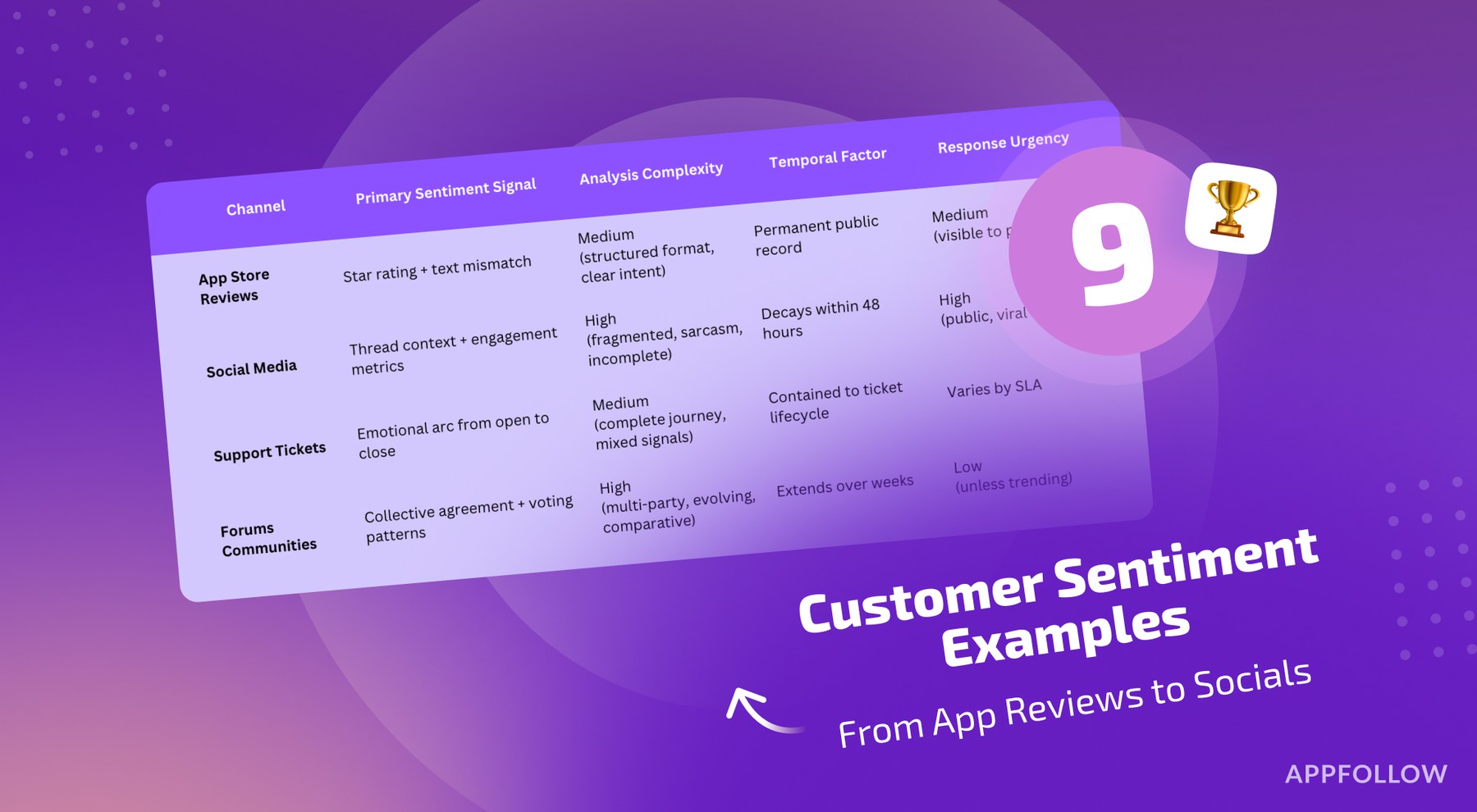
Read also: 9 Customer Sentiment Examples - From App Reviews to Socials
Localization as a Keyword Multiplier on iOS
Apple gives you more room than most teams use.
Its App Store localization settings let you localize metadata by language and locale, and the supported list explicitly includes variants like English (Australia), English (Canada), English (U.K.), and English (U.S.).
That matters because localization is not just about translation. It is extra metadata territory.
“One of the easiest iOS wins to miss is treating localization like a publishing chore instead of a keyword lever. Add another English locale and you are not only adapting the page for that market. You are opening another place to support search coverage. That gives teams more room for long-tail terms, regional wording, and secondary phrases that never should have been forced into the primary locale in the first place.”
- Yaroslav Rudnitskiy, Senior Professional Services Manager - ASO guru
The practical play is simple:
- keep your main locale focused on the highest-priority terms
- use extra locales for regional phrasing and adjacent search intent
- do not duplicate the same keyword set everywhere unless the market language really is the same
- watch visibility by country, because localization only matters if it changes rankings where you actually care to win
That last step is where the work gets real. AppFollow’s ASO views are built around visibility, popularity, rank, and difficulty, and its app-performance filters let teams slice data by country, time frame, channel, and store.
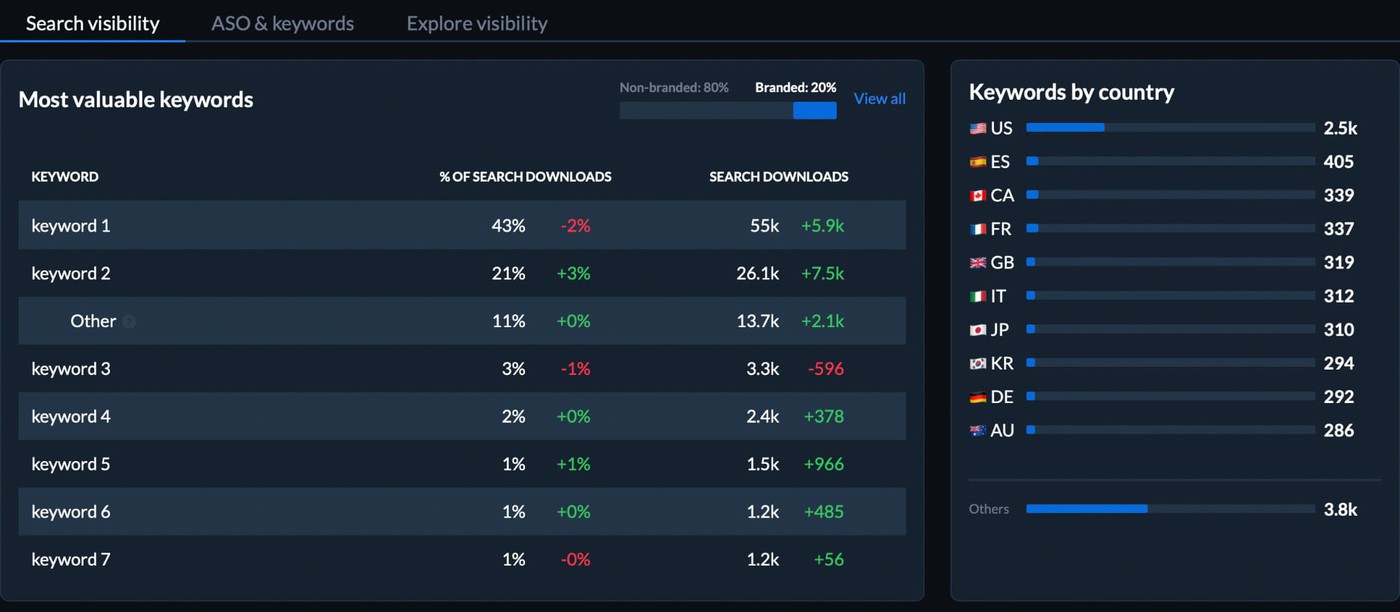
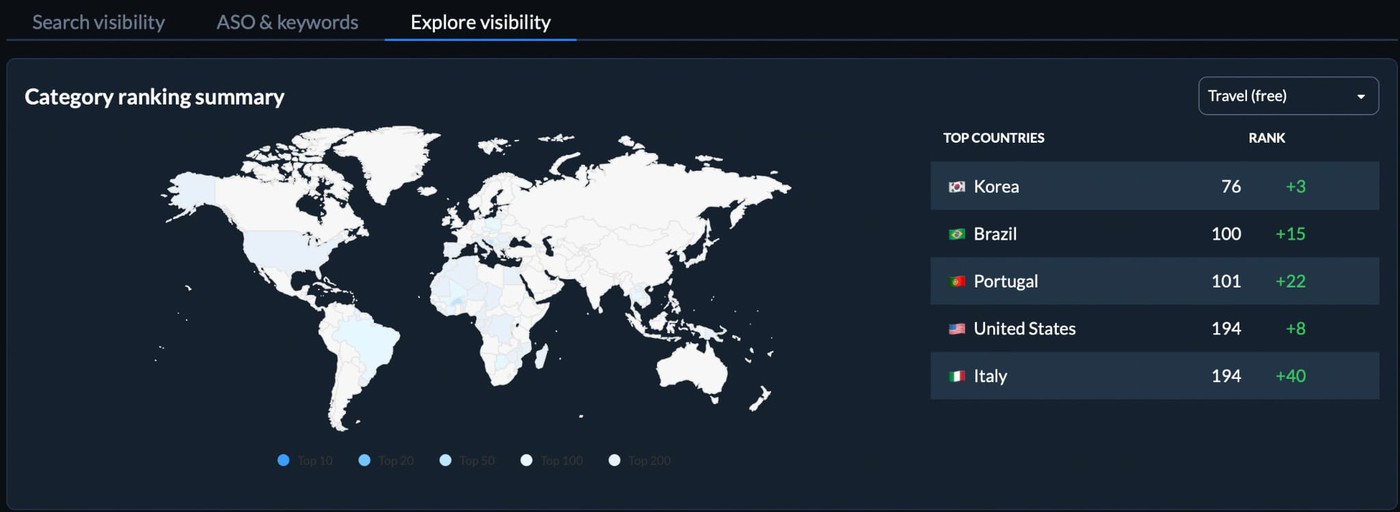
So when a localization opens new ranking space, you can actually see whether it moved the right keyword set in the right market instead of guessing from one global number.
Read also: ASO Tips for 2026: App Store Optimization Strategies, Techniques, and Checklist
Stop repeating keywords across fields
“Repetition feels safe. On iOS, it usually wastes room. Apple already indexes words from the app name, subtitle, and category, so using the same terms again in the keyword field does not buy you more coverage. It just burns characters you could have spent on fresh search intent.
The smarter move is to let each field do a different job. Put the strongest core term in the name, support it in the subtitle, then use the keyword field to widen the footprint with terms you have not used yet.
That is where the extra reach usually comes from.”
- Yaroslav Rudnitskiy, Senior Professional Services Manager - ASO guru
A quick working rule:
- Title = main keyword
- Subtitle = supporting angle
- Keyword field = new terms only
Apple is also explicit that plurals count as duplicates, so repeating “tracker” and “trackers” is wasted space too.
Seasonal and Trending Keywords
Search demand moves with the calendar. It always has.
A fitness app feels it around January. A finance app feels it in Q1. Travel apps see it before holiday spikes, not during them. By the time the whole category piles onto a seasonal term, the easy lift is usually gone.
That is why this tactic works best when you move before the peak.
“The best seasonal keywords are not the ones everybody sees in the middle of the rush. They’re the ones you catch just before the rush becomes obvious. That’s where the ranking gap is still small enough to close.”
-Veronika Bocharova, Customer Success Manager at Appfollow
A simple working rhythm:
- spot a term that is starting to rise
- check whether it actually matches the app’s job
- add it early enough to get indexed before demand peaks
- support it with screenshots or copy that fit the moment
- pull it back out when the season fades
That last part matters. Seasonal keywords are temporary assets, not permanent residents.
AI Search in App Stores — What's Changing
The old version of ASO was literal. Find the phrase. Place the phrase. Repeat the phrase.
That model is getting weaker.
Apple now says people can search the App Store using natural, everyday language, and that search results may include app tags generated by large language models from the metadata developers provide. It means the store is reading for meaning, not just for exact overlap. A well-positioned focus app may have a shot at broader productivity intent even when the wording changes.
Google Play has been moving that way for longer. Its own documentation says the system first tries to establish intent, may consider synonyms, and then uses metadata such as title, description, and category, along with other signals, to decide which apps best address the query.
So the Android side of ASO app store search optimization already looks a lot more like intent matching than rigid keyword matching.
Siri, Spotlight, Shortcuts, in-app search, and semantic indexing
There is another change worth watching. Apple Intelligence is widening the places where app relevance can matter. Apple’s developer guidance now ties apps into Siri, Spotlight, Shortcuts, in-app search, and semantic indexing through App Intents and related frameworks.
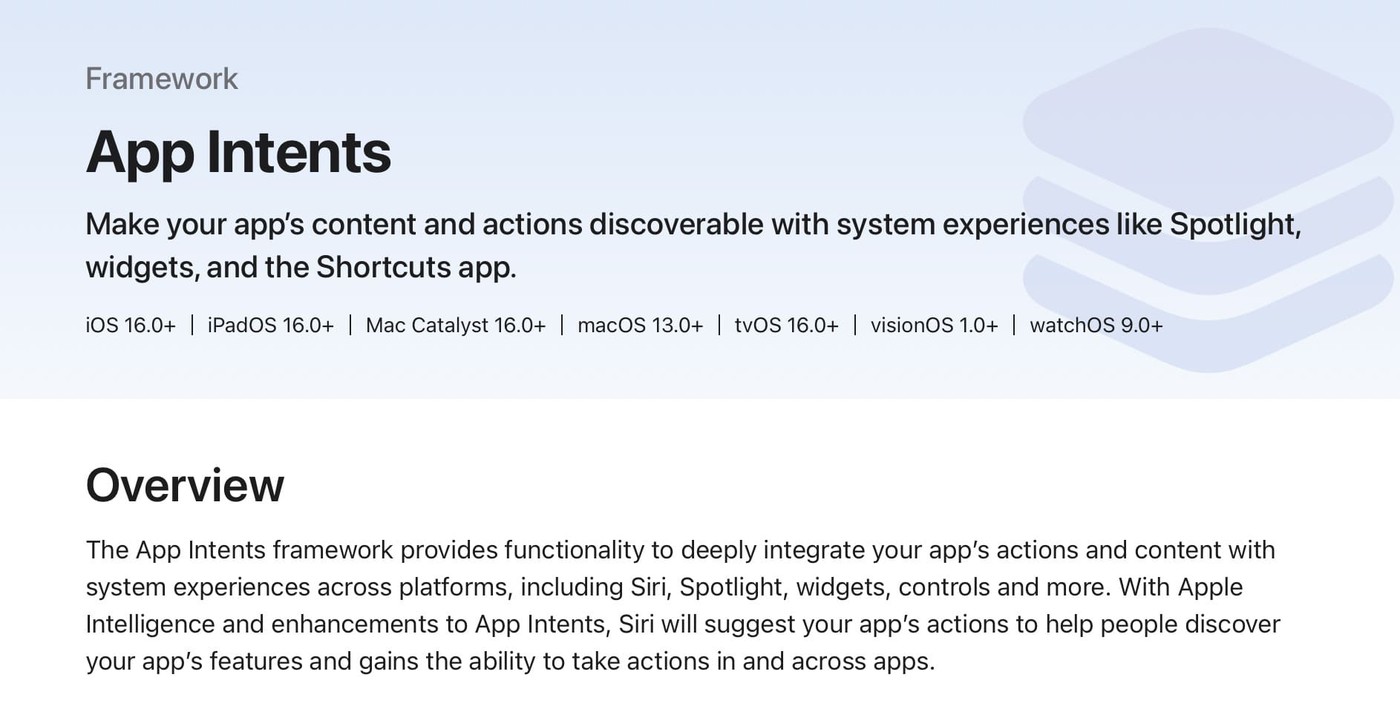
That is not the same thing as “the App Store search box disappeared.” It does mean app discovery is starting to spread into more contextual surfaces around the OS.
What that means in practice:
- write metadata for the job the app helps a user do
- use feature language, but connect it to an outcome
- keep exact keywords where they belong
- stop treating repetition as the strategy
That is where app store search engine optimization is heading. Exact-match placement still helps. Clear category signals still matter. What is changing is the layer above them. The stores are getting better at understanding context, intent, and related meaning.
So the strongest metadata now tells a sharper story: what the app is, who it helps, and why it belongs in that search.
cta_get_started_purple
ASO Keyword Research Checklist to start with
Save this. Use it when the keyword list gets messy and you need a clean way back to decisions that move rankings.
A good checklist keeps app store search engine optimization from turning into random acts of metadata editing. AppFollow’s ASO workflow is built around keyword visibility, popularity, rank, difficulty, competitor intelligence, and app performance in one place, which is why teams use it as an operating view, not just a research tool.
Research phase
✔ Build a seed list from your app’s features, use cases, and the words users would actually type
✔ Pick your top 5 competitors and note the recurring terms in their titles and subtitles
✔ Use AppFollow’s keyword explorer flow to expand the list to 50 to 100 candidates with visibility, popularity, rank, and difficulty in view
✔ For every keyword, record three things: search volume, difficulty, relevance
✔ Sort the list into:
- primary targets = higher demand, realistic difficulty
- secondary targets = medium demand, medium competition
- long-tail terms = lower demand, lower resistance, sharper intent
✔ Split the research by store. iOS and Google Play do not reward the same placements, so your app store optimization keywords should not live in one shared pile
Placement phase
✔ Put your #1 keyword in the app title, as naturally as possible
✔ Use the subtitle on iOS or short description on Android for keyword 2 and 3
✔ Fill the full 100 characters of the iOS keyword field without repeating words already used in the title or subtitle
✔ Write the Google Play description with natural keyword use, aiming for 2 to 3 honest mentions of the core term across the page
✔ Use in-app purchase names on iOS when they add real search coverage
✔ Check for violations before publishing: competitor names, irrelevant phrases, prohibited terms
Tracking and iteration phase
✔ Set up rank tracking for every target term in AppFollow so you have daily positions, history, and alerts instead of guesswork
✔ Record your baseline before the metadata update goes live
✔ Review positions after 30 days
✔ Flag any keyword ranked 50+ for replacement
✔ Flag any keyword in positions 6 to 20 for reinforcement through better conversion assets, review work, or Apple Ads support
✔ Track competitor movement beside your own ASO keyword ranking so you can tell whether the issue is your listing or the market
✔ Run a monthly review cycle and refresh localization-specific keyword fields for priority markets
That is the version of ASO app store search optimization that actually scales. Research, place, track, cut, repeat.
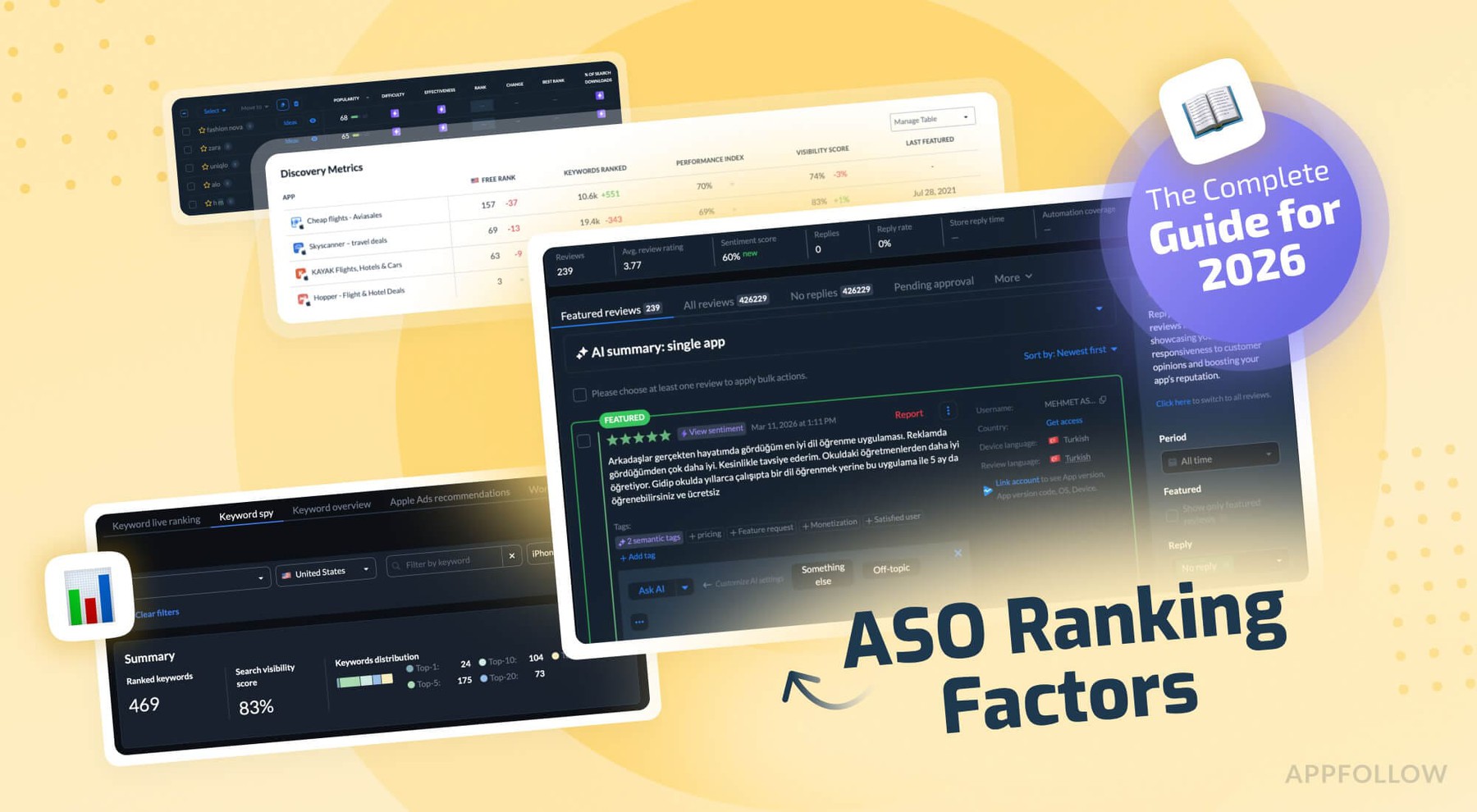
Read also: ASO Ranking Factors - Everything That Affects Your App's Visibility in 2026
Research & track your app ASO keyword with AppFollow
Pulling a list of keywords is the easy part. The work that actually moves rankings starts the moment that list is in front of you.
You still have to weigh which terms are worth competing for, spot the ones competitors have already locked down, watch how positions are shifting on iOS versus Android, and read what users are saying in reviews — the kind of language no keyword database ever indexes.
This is where AppFollow comes in. Its ASO tools pull visibility, popularity, rank, difficulty, and download impact into a single working surface, so research and performance stay connected even as the keyword list grows.
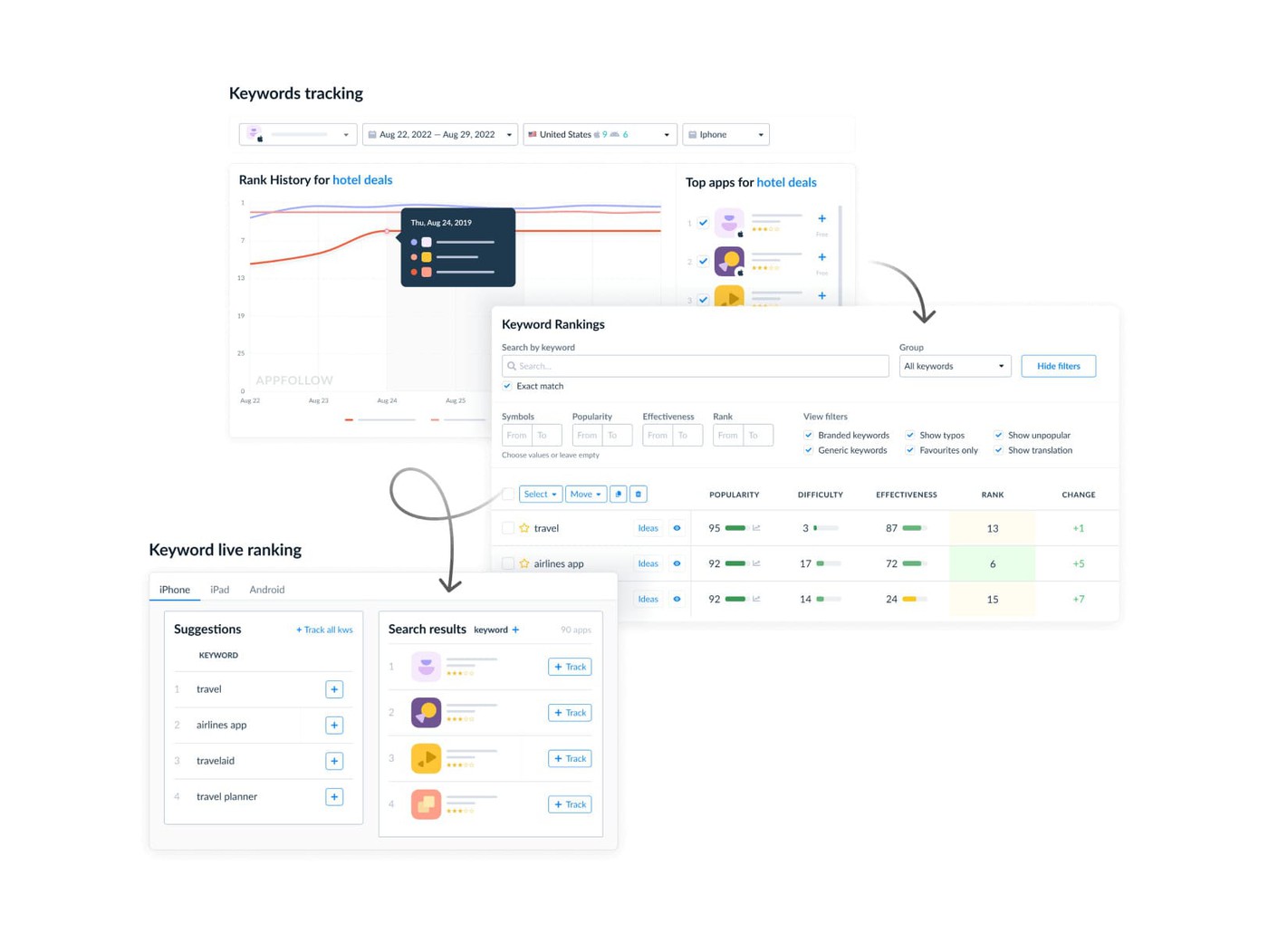
What makes AppFollow's ASO keyword search useful in practice is that discovery is only the starting point. Inside the same view you can see:
- the keywords competitors are leaning on,
- which of those terms are actually driving installs for them,
- where each one currently ranks in the stores,
- and where the gap sits between their footprint and yours — far more revealing than scrolling through titles and subtitles by hand.
That gap is usually where the real opportunities hide: terms the category is already rewarding, but that your app has not yet staked a claim on.
Tracking lives in the same workflow, which keeps rank and market context tied together. AppFollow shows rank directly inside the keyword view and lets teams slice performance by country, time frame, channel, and store.
International research becomes something you can read market by market, instead of stretching one generic keyword set across every locale.
The end result: app store optimization keyword research stops being a one-shot exercise you hope was right, and turns into something you can keep tightening over time.
This is the second part of the guide about ASO keywords: App Store search Optimization in 2026. If in want to know about:
- What are ASO keywords?
- What Is ASO Search and How do App Store algorithms work?
- How to Search Keywords for App Store Optimization
- How to choose the right ASO keywords
- Where to place keywords in App Store and Google Play metadata
- ASO Keywords for Google Play — What's Different and What It Means for You
- How to Track Your Positions and Improve ASO Keyword Ranking
Go to the first part - ASO keywords: App Store search Optimization in 2026