The Appfigures alternative for teams who live in the review queue
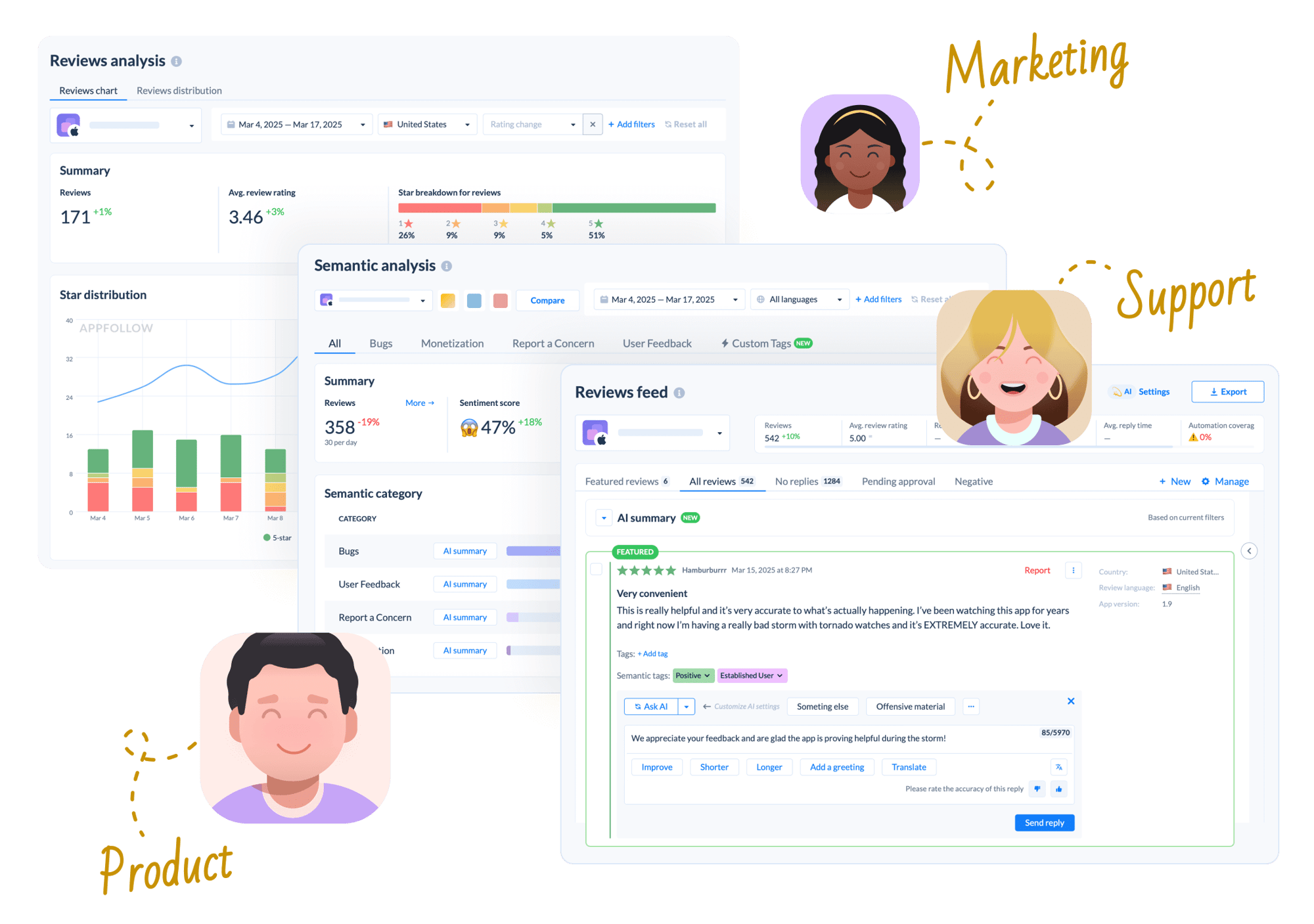
Appfigures gives you downloads, revenue, estimates and ASO from $9.99 a month, which is remarkable value and cheaper than anything here. Reviews are present, but the work around them is not. AppFollow adds tagging rules, a knowledge base for AI replies, approval queues, Report a Concern and helpdesk routing, with unlimited seats.
Features | AppFollow | Appfigures |
|---|---|---|
Built for The job each platform was designed around. This row decides most of the others | Review operations Replying at volume, with ASO alongside | App intelligence Metrics, revenue and ASO for a small budget |
AI semantic tagging and taxonomy Classify reviews against a structured taxonomy of bugs, monetization, user feedback, and concerns | ✓ 30+ pre-built categories and custom tags | Limited Reviews are searchable, sentiment and topic depth is not the focus |
Auto-tagging rules Rule-based tagging that runs every 10 minutes across untagged reviews from the last 14 days | ✓ | ✗ |
Knowledge base support for AI replies Upload your docs and FAQs so replies are grounded in your product, not guesswork | ✓ | ✗ |
Automated Report a Concern Flag spam, offensive, and fraudulent reviews to the stores at scale | ✓ | ✗ |
Reply effect tracking Count the rating updates that followed a reply, within a 3-month window | ✓ | ✗ |
Agent and automation performance Reply time, CSAT, and tags applied, broken down per person and per automation rule | ✓ | ✗ |
Helpdesk routing Send reviews to Zendesk, Salesforce, Helpshift, Intercom, Front, Help Scout, and MS Teams | ✓ | Limited Alerts and API rather than helpdesk routing |
Secondary store coverage Galaxy Store, Huawei AppGallery, Amazon Appstore, Microsoft Store, and Trustpilot | ✓ | Not publicly stated |
MCP setup and hosting Both ship a vendor-official MCP server for Claude, ChatGPT, Gemini, Perplexity and Codex. The difference is where it runs and who can set it up | ✓ Hosted connector, Google OAuth, no key, no install | Local CLI Node 22+, runs on one machine; OAuth or key in the OS keychain |
Packaged AI workflows Ready-made analyst workflows that return the same report shape every time, run as slash commands | ✓ /feedback-analysis and /aso-analysis, open source | ✗ |
Unlimited users on every plan Add the whole team without per-seat pricing or upgrade gates | ✓ | Not publicly stated |
Reply to reviews and free plan Answer store reviews from the tool, and start without paying. Both platforms do both | ✓ Free plan + 10-day trial | ✓ Free tier, reviews included on every plan |
Keyword rankings and ASO Track keyword positions and find opportunities. Both platforms do this | ✓ 45M+ keyword database | ✓ Competitiveness scores; keyword count scales by tier, 25 to 500 |
Entry price Cheapest paid tier | From $19/mo Essential $179/mo | ✓ From $9.99/mo; Monitor $44.99, Optimize $149.99 |
Your own downloads, revenue and subscriptions Actuals from your store accounts, not modelled estimates | ✗ | ✓ |
Competitor download and revenue estimates Modelled figures for apps you do not own, scaling with the plan | ✗ | ✓ |
Audience demographics and SDK detection Who uses an app, what else they use, and which SDKs it ships with | ✗ | ✓ |
Apple Ads campaign data Paid keyword and campaign performance alongside organic | ✗ | ✓ Apple Ads Intelligence on Boost and up |
Metrics explorer breadth How many fields you can slice ranks, ratings and metrics by | Dashboards and exports | ✓ 120+ fields through an explorer |

85% of teams see faster response times in week one
Teams handle 3x more reviews without hiring more people
$50K saved annually with automation and AI on average
Why teams switch from analytics to action
The work around the reply
Appfigures lets you search reviews and answer them. AppFollow adds auto-tagging rules every 10 minutes, semantic categories across bugs and monetization, a knowledge base so AI drafts cite your own docs, approval queues before anything goes out, and Report a Concern for fraudulent reviews.

Reviews reach the rest of the company
Route reviews into Zendesk, Salesforce, Helpshift, Intercom, Front, Help Scout or MS Teams so support handles them where they already work. Add Galaxy Store, Huawei AppGallery, Amazon Appstore, Microsoft Store and Trustpilot to the same feed, and give everyone a login without per-seat pricing.
An MCP with nothing to install
Appfigures runs its MCP as a local command-line tool on Node 22 or later, which is fine for a developer and awkward for everyone else, and it lives on one machine. AppFollow's is a hosted connector: sign in with Google, no key, no terminal, and ready-made workflows like /feedback-analysis that return the same report shape every run.

Where Appfigures is the better buy
Price and breadth of data. From $9.99 a month you get your own downloads, revenue and subscription actuals, competitor estimates, audience demographics, SDK detection and 120+ fields to slice. AppFollow carries none of that. If you are a small team watching every dollar, start there. (Come back when the review queue starts eating someone's week.)
Built for teams, not just analysts
Customer success needs teamwork.
AppFollow has automated tagging, bulk reply actions, team performance dashboards, and workflow integrations that help support, product, and marketing teams work together.


FAQ: AppFollow as an Appfigures alternative
What is the main difference between AppFollow and Appfigures?
Appfigures is an app intelligence platform. Your own downloads, revenue and subscription actuals, competitor estimates, demographics, SDK detection and ASO, at a price nothing else here matches. AppFollow is a review operations platform with ASO attached: tagging rules, approval queues, Report a Concern, helpdesk routing and reporting on the people replying.
Which is cheaper?
Appfigures, clearly. Their paid tiers open at $9.99 a month and Monitor runs $44.99, against $19 for AppFollow's ASO plan and $179 for Essential. Both have a free tier. If budget is the hard limit, Appfigures is the honest answer and we would rather say that than pretend otherwise.
Does Appfigures handle reviews?
Yes, on every plan including the free one. You can search reviews, aggregate them and reply. What is missing is the layer around that: no auto-tagging rules, no semantic taxonomy, no knowledge base for AI drafts, no approval queues, no Report a Concern, and no reporting on reply times or agent performance.
Can I use AppFollow or Appfigures inside Claude or ChatGPT?
Both ship a vendor-official MCP, and Appfigures' is one of the broadest and cheapest available. The practical difference is setup. Theirs runs as a local command-line tool needing Node 22 or later, so it lives on one machine and suits a developer. AppFollow's is a hosted connector you sign into with Google, with nothing to install.
Which one gives me revenue and download numbers?
Appfigures. Your own actuals from the store accounts, plus modelled estimates for apps you do not own that scale with the plan. AppFollow carries neither, so if financial reporting is part of the job this is not a close call.
Which one should a small team pick?
If you are an indie developer or a small studio watching the budget, start with Appfigures. If review volume has reached the point where somebody spends their week sorting and answering it, and you want unlimited seats so support and product can both get in, AppFollow earns the higher price. Below that threshold it probably does not.
What is the best Appfigures alternative?
AppFollow, for review operations at volume. Appbot if review classification depth is the whole job. AppTweak or MobileAction for deeper ASO and paid-search work. For cheap, broad app metrics, staying on Appfigures is usually the right answer.