Two consoles, two queues, one spreadsheet holding it together
App Store Connect and Play Console both do their own job well, and you are keeping both. Neither was built to look at the other. Ship on two platforms and the review work splits in half, with nothing spanning it except somebody's manual export. AppFollow is the layer that sits across them.
Features | AppFollow | Native consoles |
|---|---|---|
What you are comparing This is not one tool against another. It is one tool against however many consoles you publish to | One place Every store in a single feed | One per store Two consoles minimum, more if you ship beyond Apple and Google |
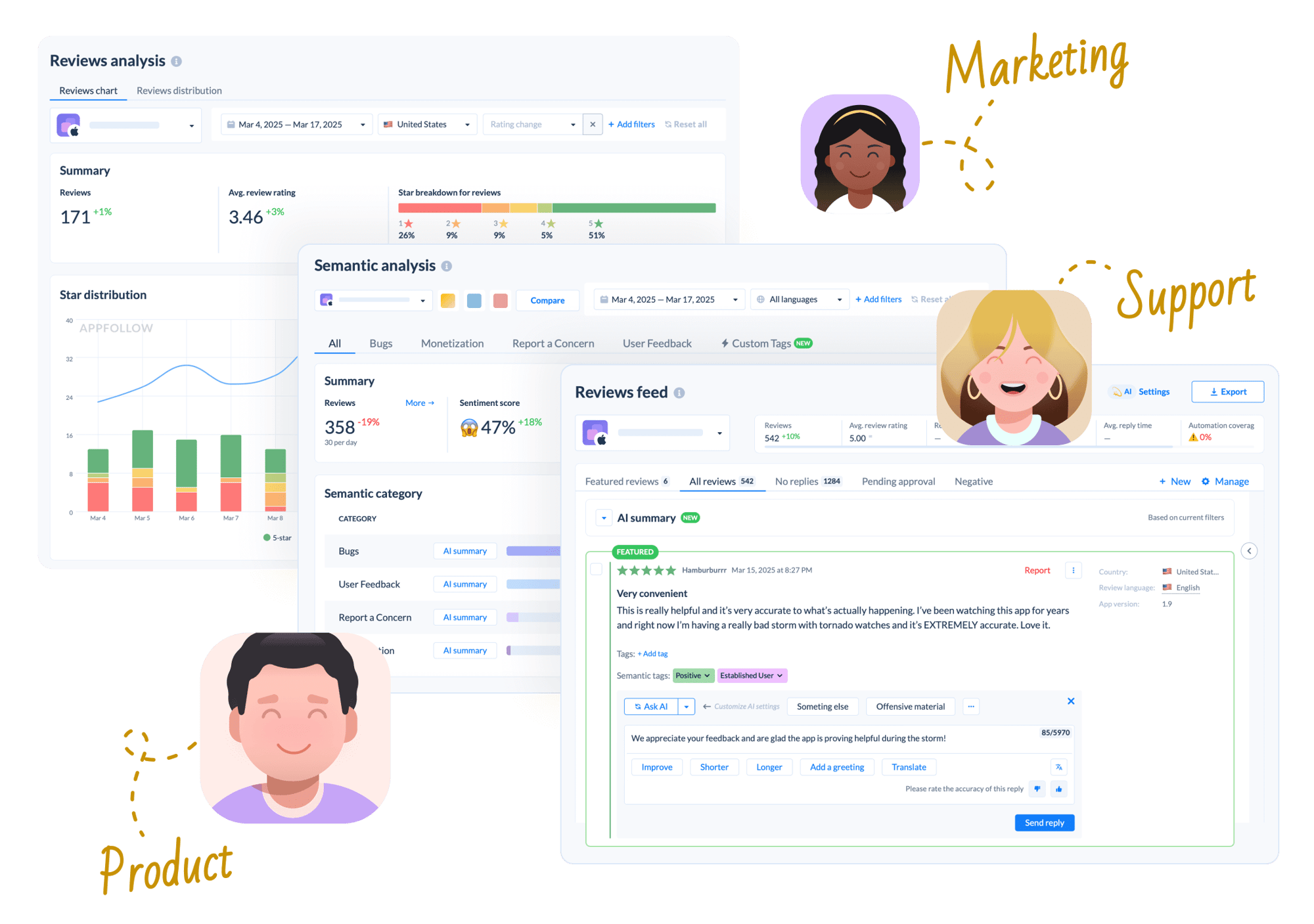
One review queue across stores Read and answer iOS and Android feedback side by side instead of in separate tabs | ✓ | ✗ Separate logins, separate queues |
Secondary stores in the same feed Galaxy Store, Huawei AppGallery, Amazon Appstore, Microsoft Store, and Trustpilot | ✓ | ✗ Another console each |
Cross-store reporting in one view Rating, volume and sentiment for the whole product rather than per platform | ✓ | ✗ Someone stitches it together in a spreadsheet |
AI semantic tagging and taxonomy Classify reviews against a structured taxonomy of bugs, monetization, user feedback, and concerns | ✓ 30+ pre-built categories plus custom tags | ✗ |
Auto-tagging and auto-reply rules Rules that sort and answer repetitive reviews without anyone opening a console | ✓ | ✗ |
Reply templates and approval queue Saved answers with variables, and sign-off before anything publishes | ✓ | ✗ |
AI replies grounded in your own docs Drafts that cite your help centre rather than guessing | ✓ | Limited Play suggests replies; App Store Connect does not |
Automated Report a Concern Flag spam, offensive, and fraudulent reviews at scale rather than one at a time | ✓ | Manual only One review at a time, in each console |
Reply effect tracking and agent performance Rating updates that followed a reply, plus reply time and CSAT per person | ✓ | ✗ |
Helpdesk routing Send reviews to Zendesk, Salesforce, Helpshift, Intercom, Front, Help Scout, Slack and MS Teams | ✓ | ✗ |
Role-based access for the whole team Let support and product see reviews without handing out publishing rights | ✓ Unlimited users on every plan | Limited Console roles sit next to build and pricing controls |
Competitor tracking and keyword research See rival apps' ratings, reviews and keyword positions, and find opportunities of your own | ✓ 45M+ keyword database | ✗ Your own apps only |
MCP server for AI assistants Query live data from Claude, ChatGPT, Gemini, or Codex without opening a dashboard | ✓ One vendor-official hosted server across both stores | Community only Neither Apple nor Google ships one; separate wrappers, keys and setup per console |
Packaged AI workflows Ready-made analyst workflows that return the same report shape every time, run as slash commands | ✓ /feedback-analysis and /aso-analysis, open source | ✗ |
Reply translation Read and answer reviews in languages nobody on your team speaks | ✓ | Limited Play translates the review, not your reply |
Reply to store reviews Answer a review so the response appears on your listing. Both do this | ✓ | ✓ |
Price What it costs to use | From $19/mo Free plan available; Essential $179/mo | ✓ Included with your developer memberships |
Publishing, builds, pricing and testing Shipping releases, TestFlight and testing tracks, in-app purchases, store submission | ✗ | ✓ Only the store owners can do this |
First-party analytics and financials Installs, conversion, retention, revenue, Android Vitals and crash data from real devices | ✗ | ✓ |

85% of teams see faster response times in week one
Teams handle 3x more reviews without hiring more people
$50K saved annually with automation and AI on average
Why teams switch from analytics to action
One queue instead of two
Every store in a single feed: App Store, Google Play, Galaxy Store, Huawei AppGallery, Amazon Appstore, Microsoft Store and Trustpilot. One rating figure for the product rather than two that someone averages by hand every Monday.

Stop typing every reply
Templates with variables, AI drafts grounded in your own help docs, auto-reply rules for the repetitive ones, translation both ways, and an approval queue before anything publishes. Play suggests replies and Apple gives you an empty box; neither remembers what you wrote last time.
Give access without giving away the keys
Console permissions sit next to build uploads, pricing and financial reports, so letting a support agent read reviews means thinking hard about what else they can reach. AppFollow has unlimited users on every plan with role-based access to the review side only.

Keep the consoles for what only they can do
Builds and testing tracks, pricing and in-app purchases, store submission, installs and revenue, Android Vitals and App Analytics. None of that moves, and AppFollow does not pretend to offer it. (One platform, a few reviews a week, one person on it? The consoles really are enough.)
Built for teams, not just analysts
Customer success needs teamwork.
AppFollow has automated tagging, bulk reply actions, team performance dashboards, and workflow integrations that help support, product, and marketing teams work together.


FAQ: AppFollow alongside the native consoles
Does AppFollow replace App Store Connect and Play Console?
No. You keep both. They are how builds ship, prices get set, testing tracks run and first-party analytics get read, and no third-party tool can do any of that. AppFollow sits on top and handles the review and ASO work that spans them.
What is actually wrong with using the consoles?
Nothing, until you publish to more than one store. Then you have two logins, two review queues, two sets of filters, and no way to see rating or sentiment for the product as a whole without someone building a spreadsheet. Add Galaxy Store or AppGallery and it is another console each.
When are the consoles enough on their own?
One platform, low review volume, one person handling replies, no competitor keyword work. That is a real situation for a lot of teams and there is no reason to pay for anything. It changes when you ship cross-platform, put support on a rota, or start caring where you rank.
Can I automate replies in the consoles?
Only partly. Play Console suggests replies and translates incoming reviews; App Store Connect gives you a blank text box. Neither has saved templates, tagging rules, auto-reply rules or an approval queue, and reporting a fraudulent review means doing it one at a time in each console.
Can I connect the consoles to Claude or ChatGPT?
Neither Apple nor Google ships an MCP server for their console. Google's official MCP covers developer documentation rather than Play Console data. Community wrappers exist for both APIs, but that means separate servers, separate credentials and local setup per store, with nobody supporting them. AppFollow gives you one hosted server across both.
Can the rest of the team see reviews without console access?
That is one of the quieter reasons teams add a layer. Console permissions sit next to build uploads, pricing and financial reports, so giving a support agent review access means thinking carefully about what else they can reach. AppFollow gives unlimited users on every plan with role-based access to the review side only.
What is the best alternative to the native consoles?
Nothing replaces them, so the question is what to add. AppFollow if you need replies, tagging and ASO in one place. Appbot if review classification is the whole job. Appfigures if you mainly want cheap metrics. All of them assume you still have the consoles open.