See what users think about your apps

Get sentiment trends, rating shifts, and team performance in one place so you can make decisions without reading thousands of reviews yourself. Actionable app insights, available instantly.

Trusted by leading companies tracking over 1 million apps

Weekly

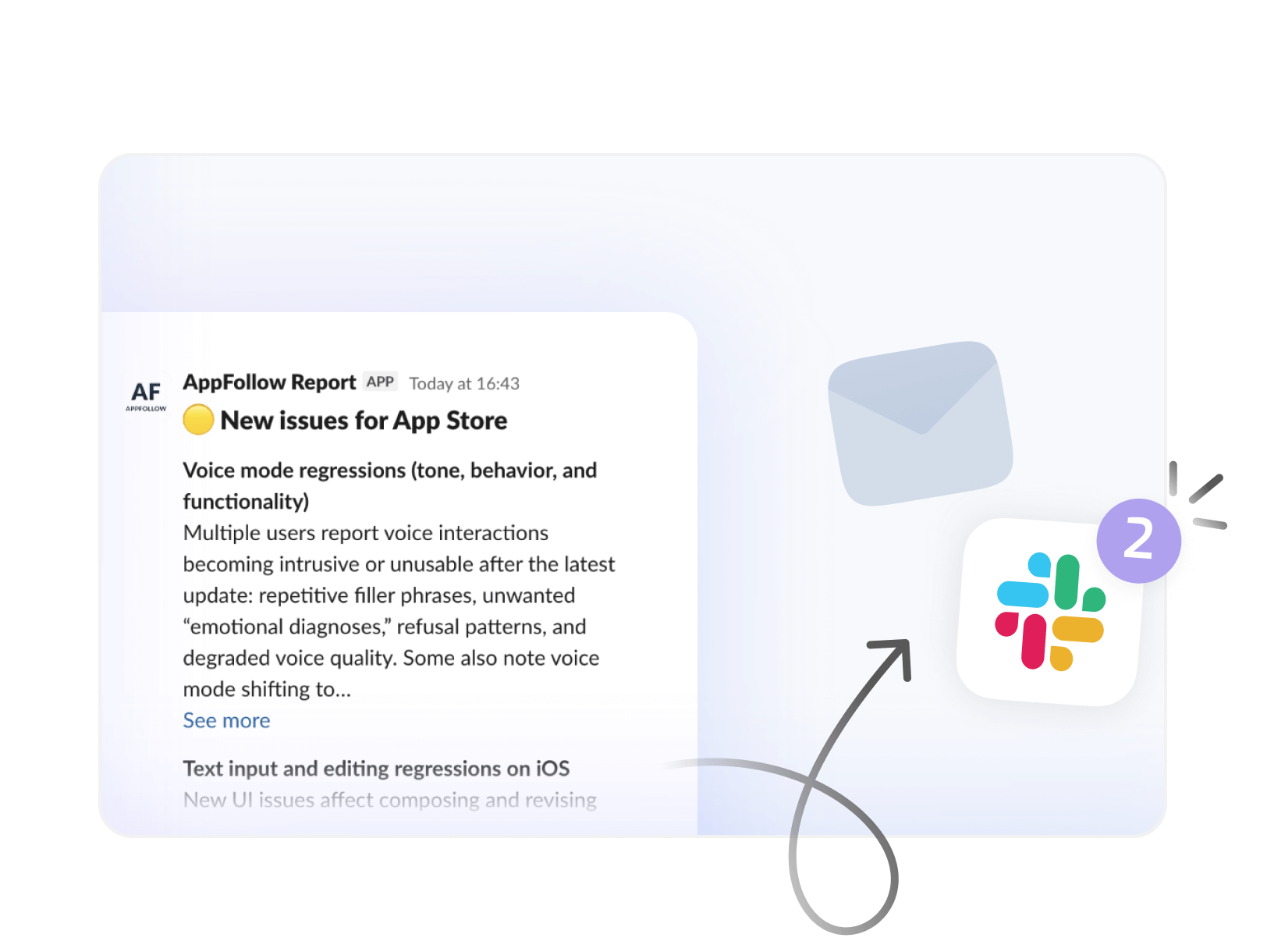
Weekly and monthly summaries delivered to Slack or email

Tracking

Rating and sentiment tracking across your entire portfolio

Workspaces

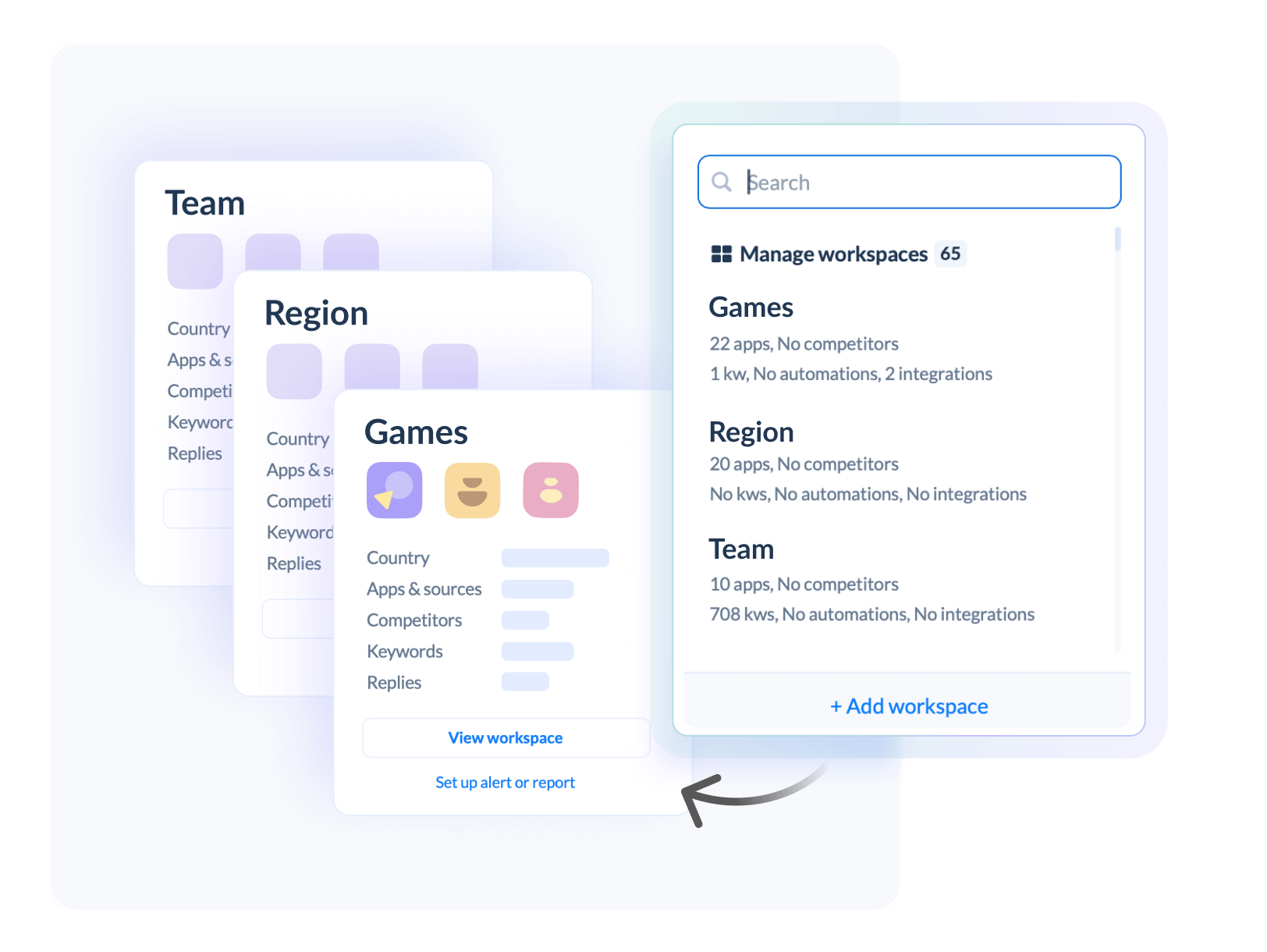
Workspaces organized by team, studio, or region

Get a full overview of your apps

Executive Reports

Executive Reports

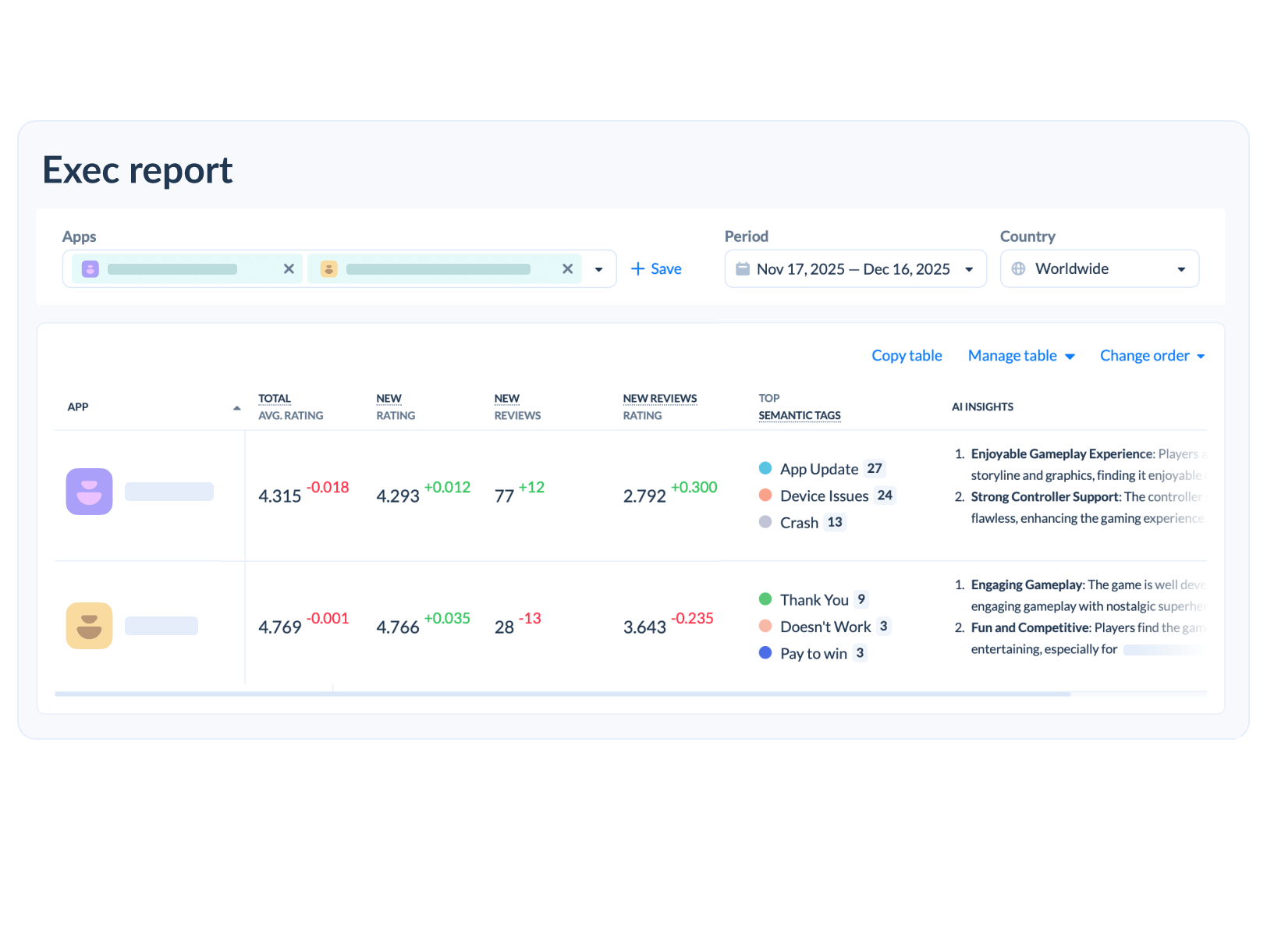
Pull up a single view of all your apps. See ratings, review volume, sentiment shifts, and top user complaints without opening five different dashboards. 

Agent Performance

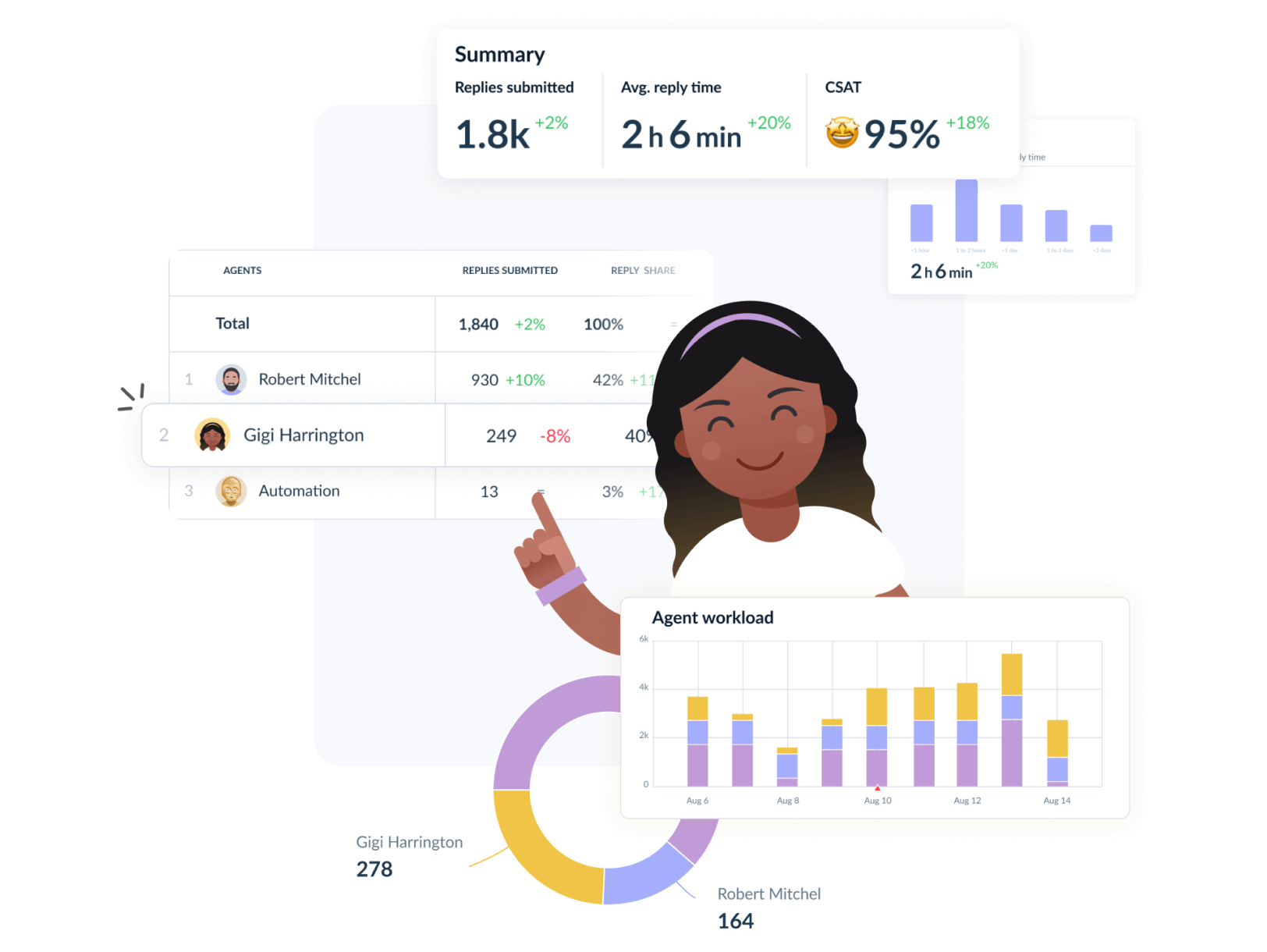
Track how your teams are doing. Reply times, reply effect on ratings, workload distribution. Know which teams need help and which are handling things fine.

Agent Performance
Sentiment and tags

Sentiment analysis

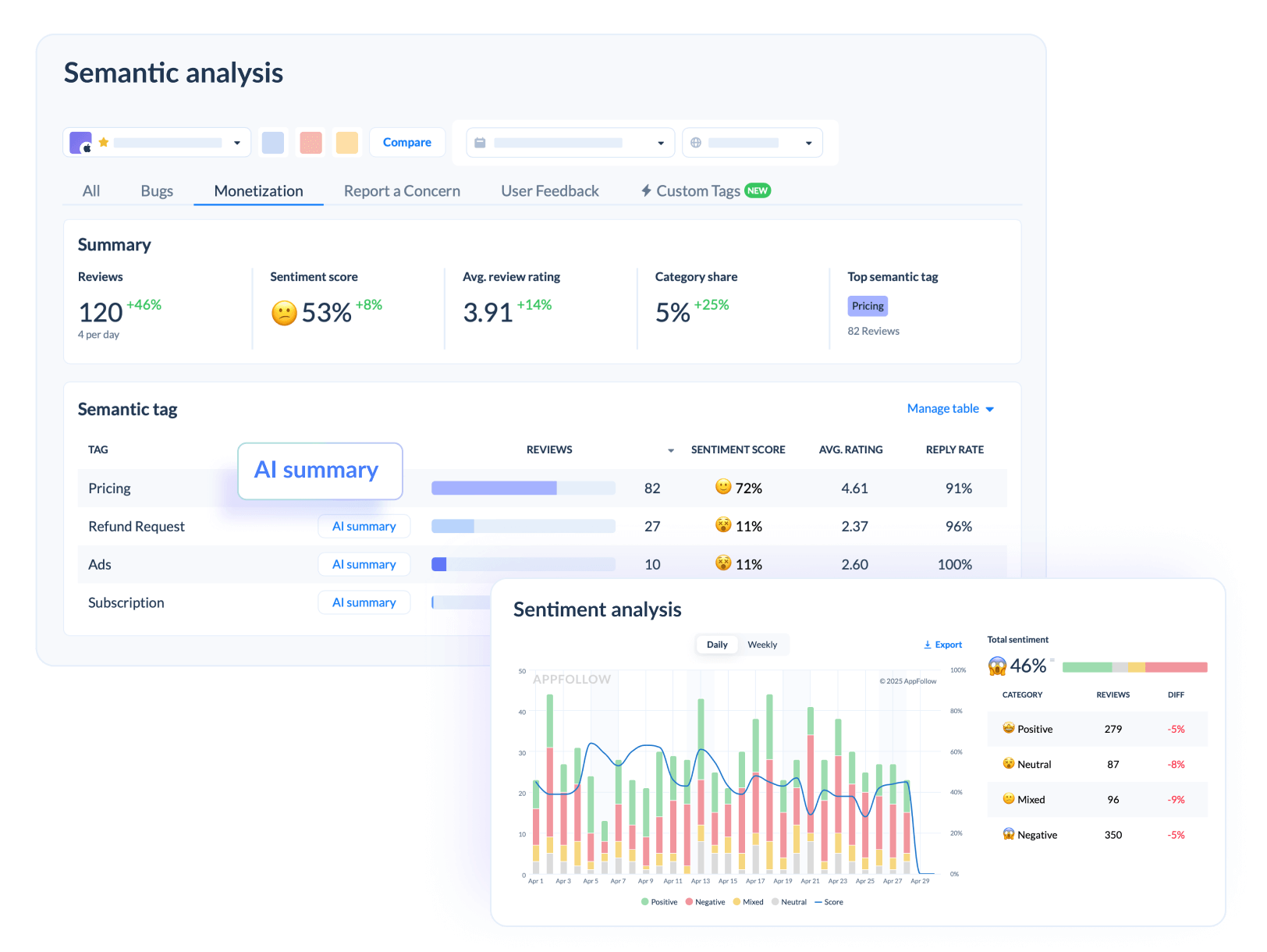
Star ratings only tell you so much. AI reads every review and determines whether people are happy or not. You get a score with an actionable data breakdown and can see how it changes week to week. Works for your apps and competitors.

Ratings Analysis

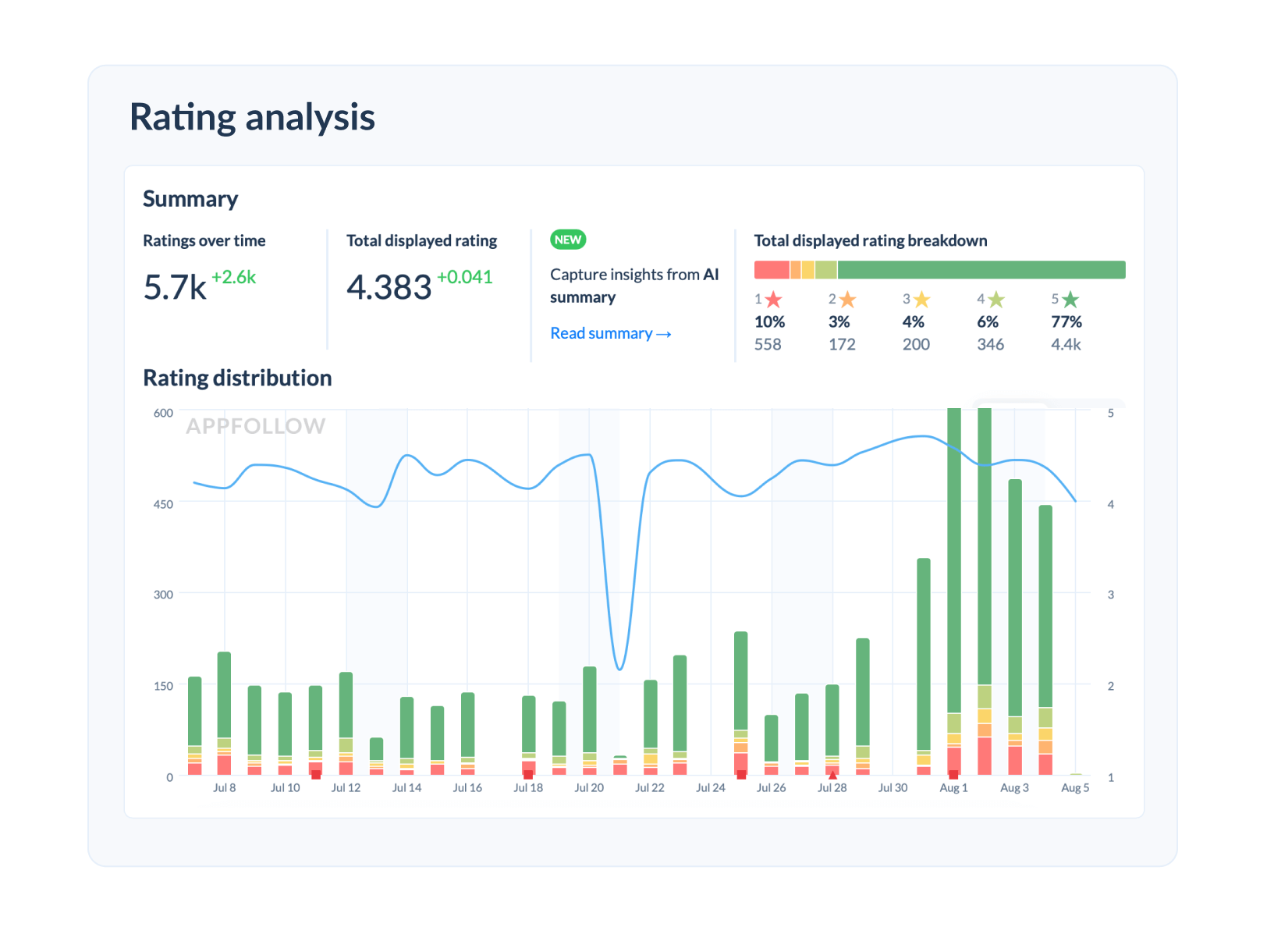
Google Play has three different rating types, App Store has its own. We track all of them so you can see all rating trends, not just the number on the store page.

Ratings Analysis
Slack and Email Alerts

Slack and Email Alerts

Get weekly or monthly digests. Set up alerts for sentiment drops or rating changes. Your team stays informed without logging into another tool.

Workspaces

Organize by studio, game, region, or team. Each workspace has its own apps, integrations, and access controls. Clean separation for complex organizations.

Workspaces

CONNECT YOUR FAVORITE TOOLS

Keep your workflow intact. AppFollow integrates seamlessly with:

No need to change your workflow. AppFollow connects with:

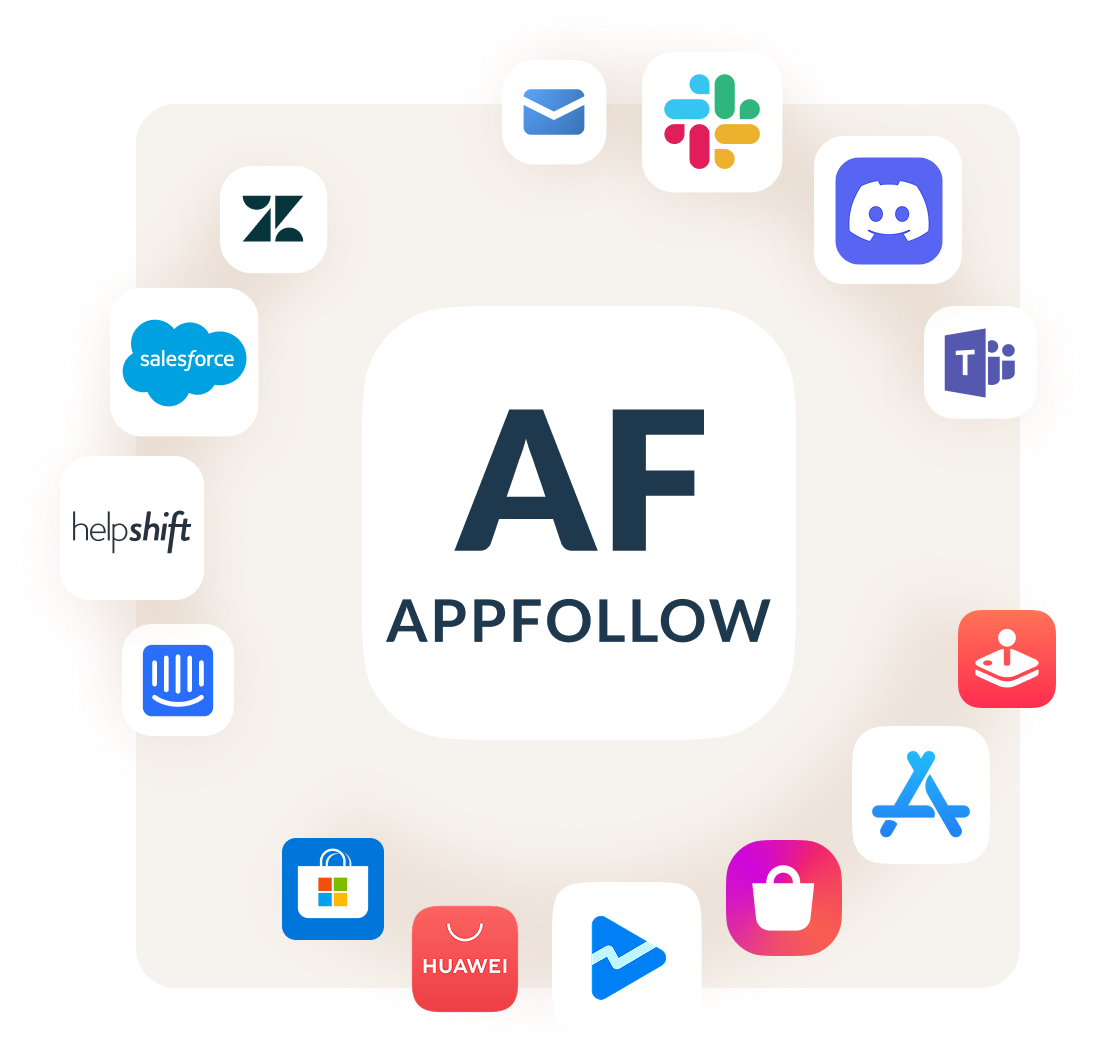
Communication: Slack, Discord, Email, Microsoft Teams
Help Desk: Zendesk, Helpshift, Salesforce, Intercom
App Stores: App Store Connect, Google Play Console, Microsoft Store, Apple Arcade, HUAWEI AppGallery, Galaxy Store
Reporting: In-house API


Integrations
g5 entertainment


"We’ve seen a 24% reduction in time spent on repetitive tasks since integrating AI into our user communication flow. Automated responses and faster feedback analysis have improved both efficiency and personalization."
 
Customer Support Team at G5 Entertainment
Opera


"The AI-generated replies and one-click improvements in AppFollow have impressed our agents a lot. They surely appreciate the function, as it allows them to work more efficiently and handle a greater number of tickets in their allocated time." 
 
Miyuki Barsk, Mobile Products Customer Support Lead at Opera
Standard Bank


"Using automation helps us reply faster to customers and still give personal help with tough issues. We are committed to improving our AI to offer the best service in banking."
 
Nkoebe Motlhajoa, Social Media Manager at Standard Bank South Africa
kolibri games


"AppFollow automatically organizes actionable insights for us right away, with little time or resources on our side needed."
 
Lauren Wade, Head of Community Management at Kolibri Games

FAQ

How do executive reports work in AppFollow?

You select the apps you want to track, set your date range and region, and get a summary of ratings, review volume, sentiment trends, and top tags. AI generates a summary of what users are saying. You can share it or copy it into a spreadsheet.

Can I organize apps by team or studio in AppFollow?

Yes. Workspaces let you group apps however you want. Each workspace has its own integrations, country settings, and team access. One studio doesn't need to see another studio's data.

What kind of alerts can I set up in AppFollow?

Weekly or monthly summaries to Slack or email. You can also set alerts for specific sentiment drops, rating changes, or when certain tags spike. The alerts go to the channels your team already uses.

How does competitor tracking work in AppFollow?

Add competitor apps and we'll pull their public reviews, ratings, and sentiment data. You can see what users complain about, what features they request, and how your apps compare.

What's the difference between the three Google Play ratings?

Google Play shows different ratings depending on where you look. There's the public rating users see, the rating in your developer console, and country-specific ratings that vary by region. We track all three so you see the full picture.