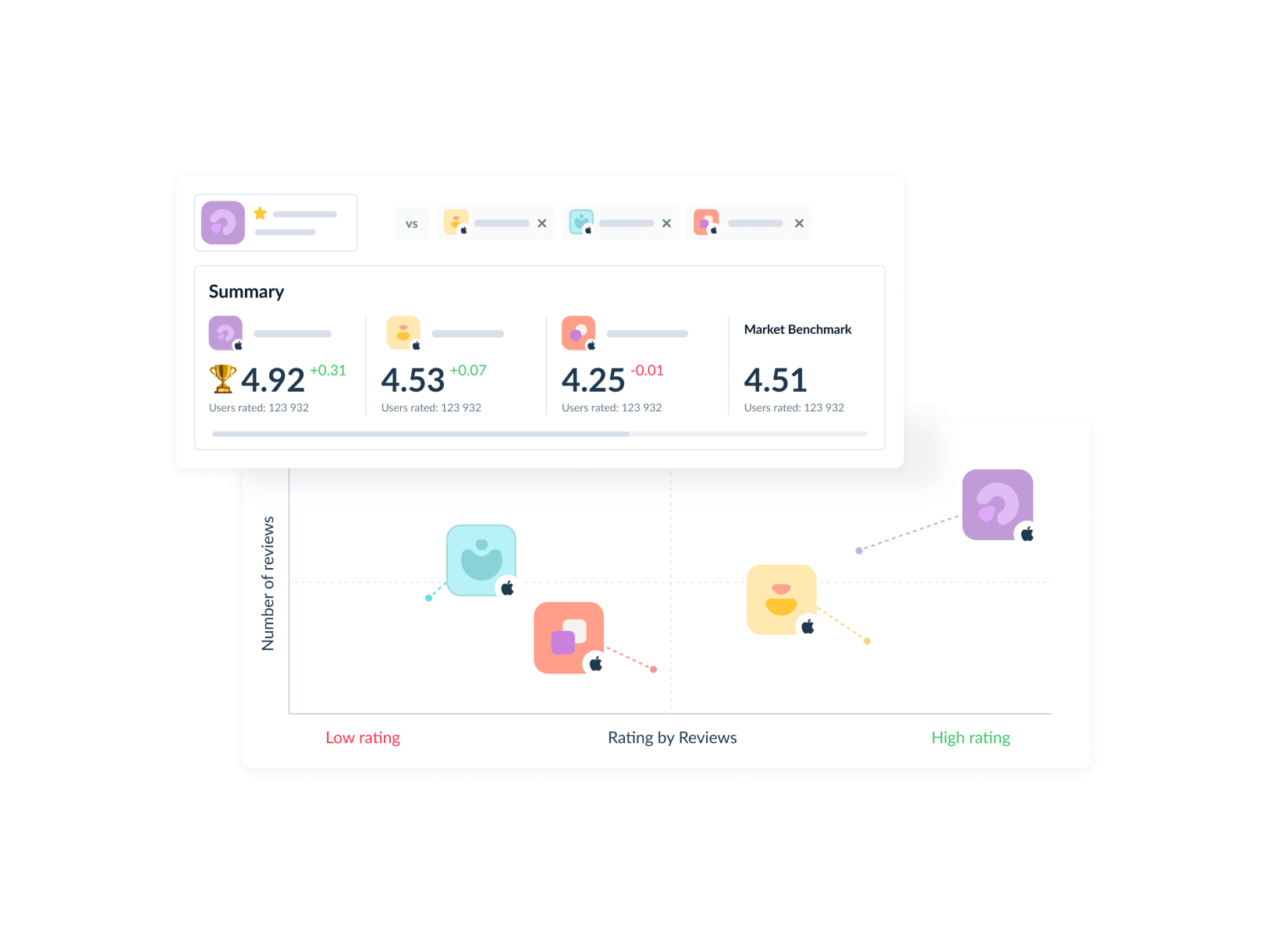
Manage dozens of apps like you're managing one
Your portfolio is growing faster than your team can handle. Stop drowning in manual work and start scaling with AI-powered automation across every app you publish.
80%
automation coverage easily reachable across entire portfolio
10x
faster response times with maintained quality
Unified insights
across all apps and markets
Everything an app publisher might need
CONNECT YOUR FAVORITE TOOLS
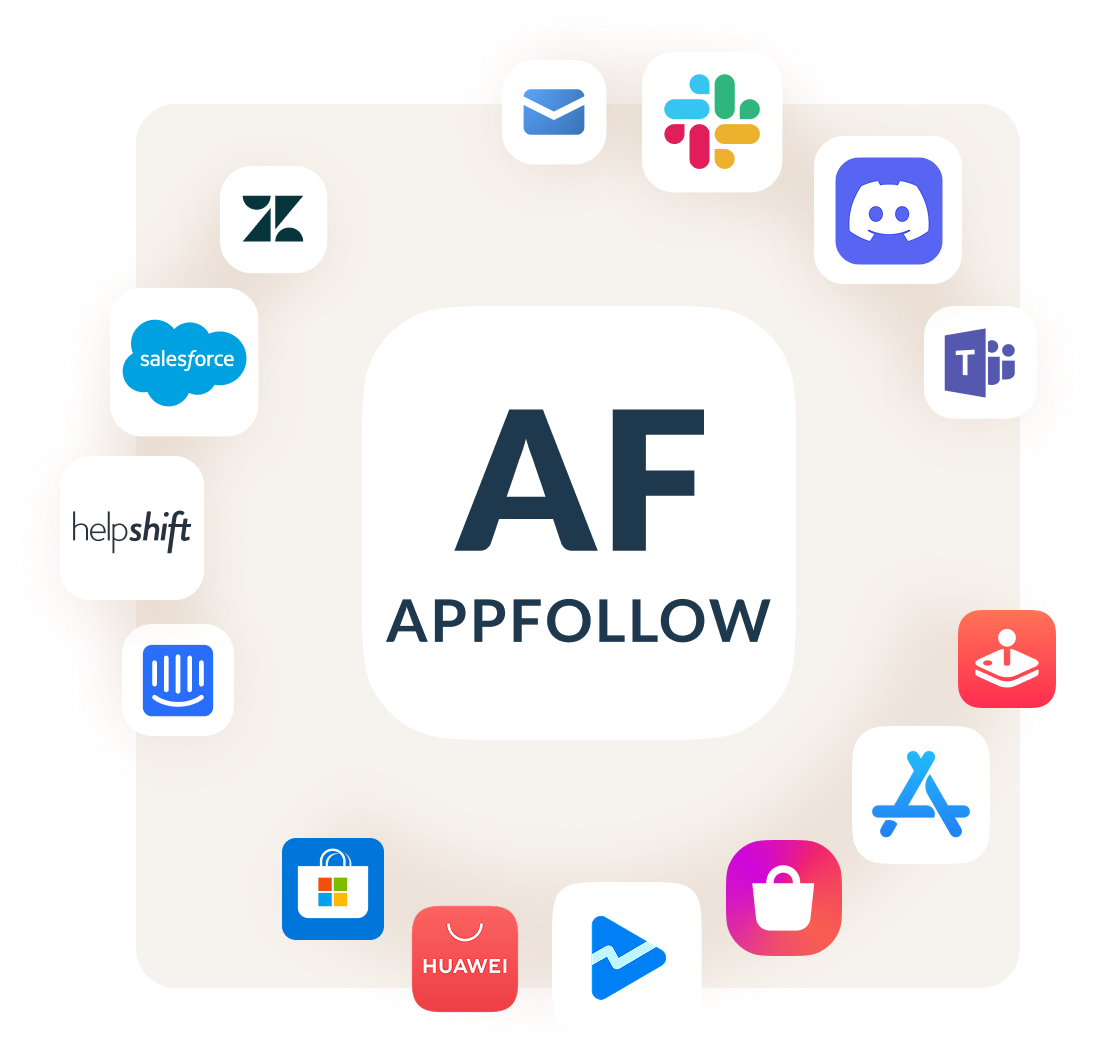
Keep your workflow intact. AppFollow integrates seamlessly with:
No need to change your workflow. AppFollow connects with:
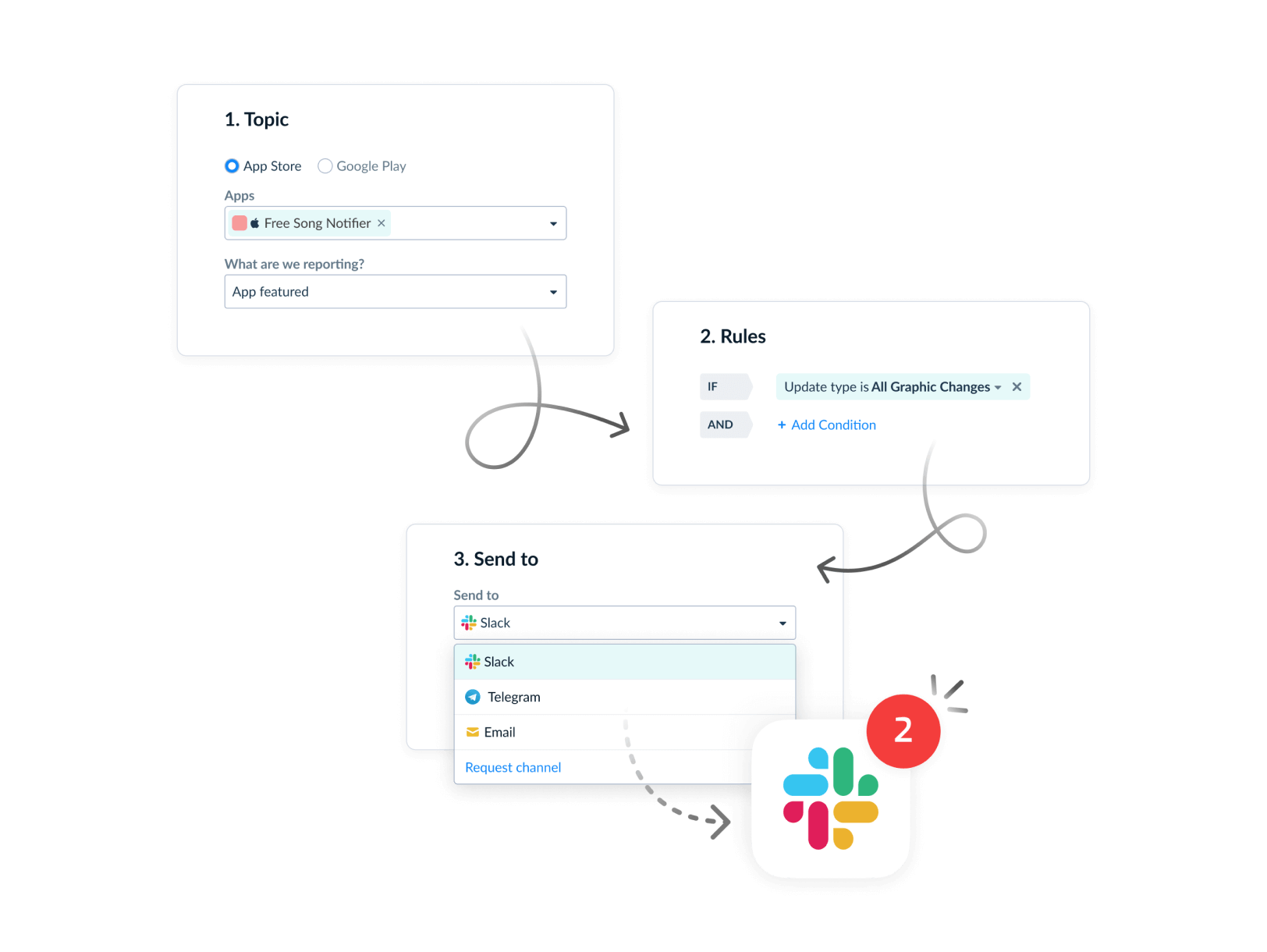
Communication: Slack, Discord, Email, Microsoft Teams
Help Desk: Zendesk, Helpshift, Salesforce, Intercom
App Stores: App Store Connect, Google Play Console, Microsoft Store, Apple Arcade, HUAWEI AppGallery, Galaxy Store
Reporting: Tableau


FAQ
How does AppFollow handle mobile publishing across multiple apps with different audiences?
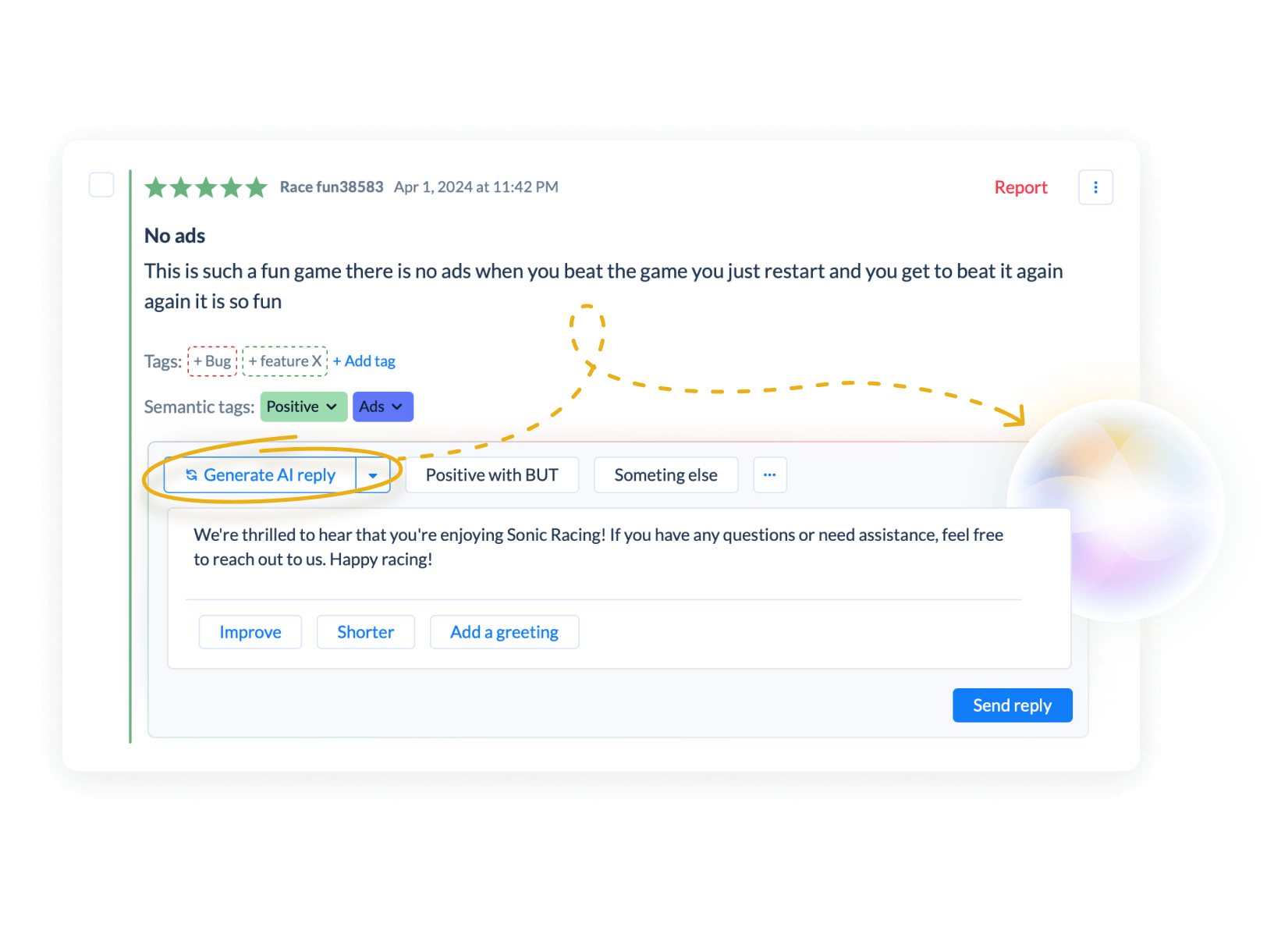
Each app gets custom AI instructions, response templates, and automation rules for app publishing success. You can maintain unique brand voices while managing everything from one platform with portfolio-wide overview. Mobile publishers benefit from unified app store publishing workflows that configure different settings per app. The platform provides key insights and reference data to help manage your entire publishing portfolio efficiently.
Can we get executive reports across our app store portfolio and track Apple App Store performance?
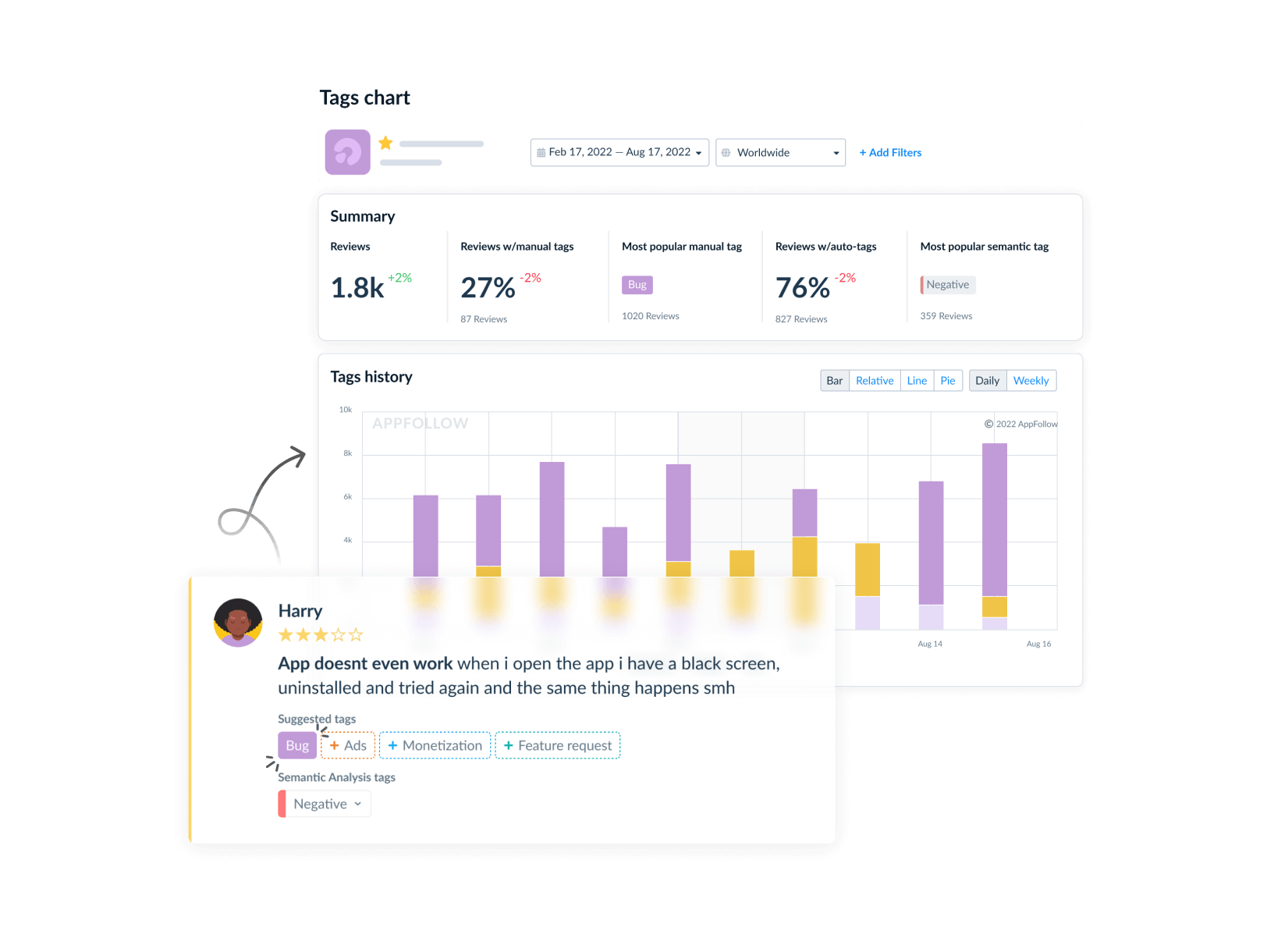
Yes. Executive dashboards show performance metrics, user sentiment trends, and key insights across all your apps in the Apple App Store and other stores. Compare performance, identify opportunities, and make portfolio-level strategic decisions. The overview page displays critical information about each app's product page performance. You can view detailed analytics and submit reports with the click of a button to track publishing success.
How do we maintain quality when publishing an app to the app store and automating responses across many apps?
AI performance monitoring tracks response quality per app, Reply Effect metrics show user satisfaction, and custom instructions ensure each app maintains its unique voice while scaling automation. When publishing an app to the app store, quality control steps include automated review processes and key performance indicators. Mobile publishers can configure quality reference standards and manage app store publish workflows with built-in quality assurance.
Can different team members manage different apps within AppFollow for iOS and Apple publishing?
Yes. Role-based access controls let you assign team members to specific apps or app categories. Track individual performance and manage workloads efficiently across your entire operation. Team members can open dedicated app management interfaces and view iOS and Apple app performance data. The open menu structure allows easy navigation between different apps and publishing tasks with proper availability controls.