AppFollow 3.5: March Edition
TL;DR: In our first spring release we keep improving reviews, rating, integration settings and Add-on for Google Sheets.
1. Rating (stars)
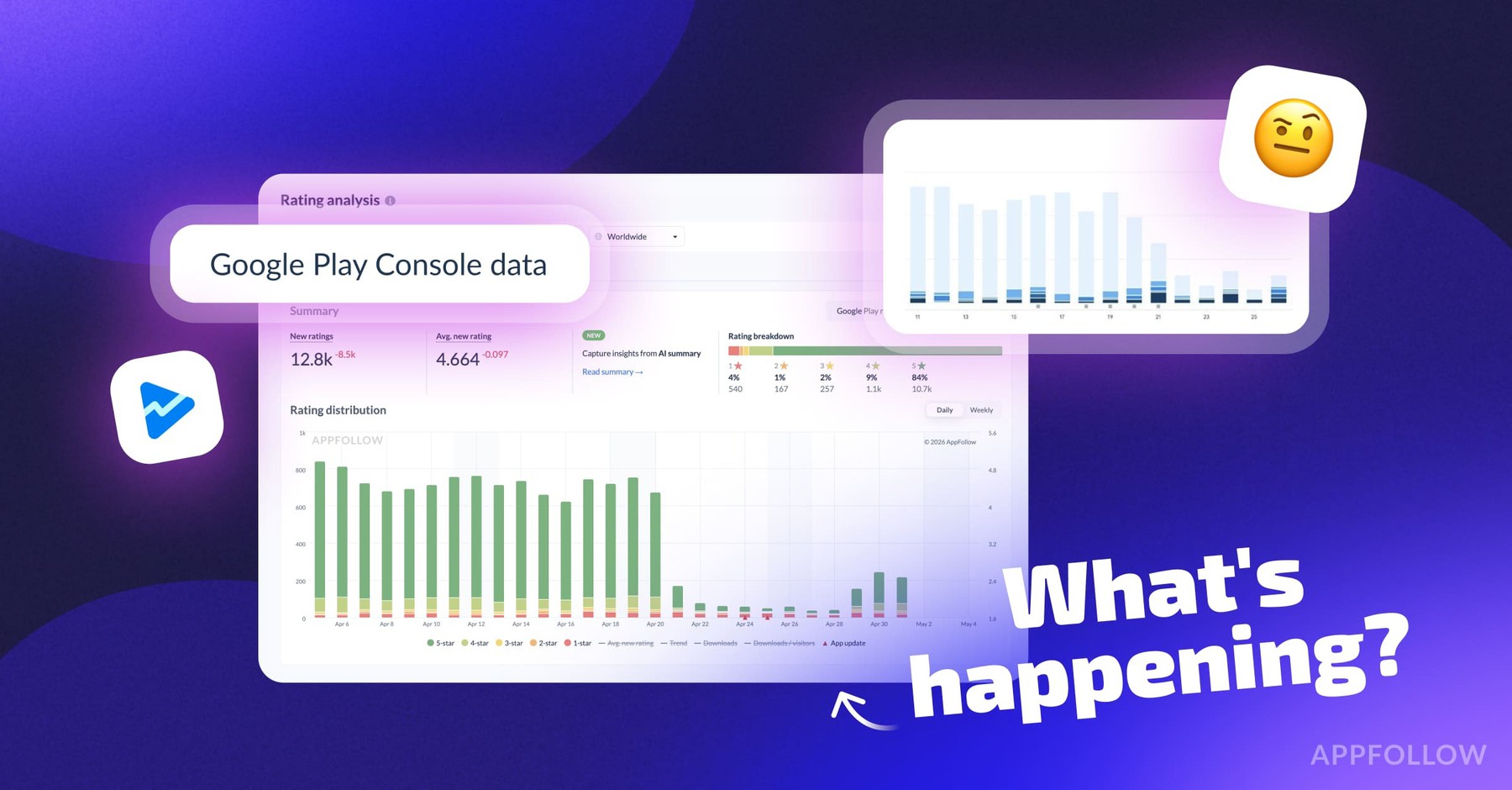
One of the most popular features in AppFollow is Ratings (or stars) dashboard. Very often we receive requests to implement some changes and add more features. In March we increased data collection speed and updated ratings chart. Now the chart has split by stars and trend line. It also shows average rating over a period of time and dates when the updates were released or app got featured (see small red triangles on X axis).
We have two charts: Absolute and Relative. The first chart shows total rating change from day to day, while the second one displays the difference between yesterday and today.

Why stars are so important? Look at the chart above: as soon as team added new native âRate the appâ dialogue, rating just skyrocketed with hundreds âfive starsâ. This has impact on many parameters including conversion rate from impression/view to install. Users always pay attention whether others like this app or not, in other words they look at the average rating and reviews.
Also in iOS you can reset app rating when uploading a new version, and afterwards monitor how the rating gradually changes. Here is an example:

Just reminding you that this is a paid feature but itâs totally worth it.
2. New reviews and replies reports
Reply-to-reviews feature continues to drive users' attention. Specifically for those who want to understand how effective their work with feedback is, we added new reports: Reviews > App > Export:

Reviews & Repliesâââthis report shows the amount of reviews and replies as well as how the average rating for selected reviews has been changing. The report helps to estimate:
- how effectively you are working with reviews,
- how replies influence on users,
- how often reviews are getting updated,
- how it helps to improve average ranking.

Replies Time âthe report shows how long does it takes on average to reply to review. Itâs a standard view for calculating support team SLA.

We want to help all app and game owners to understand better how their support teams work and find ways to optimise their efforts. If you wish we add some other type of report, let us know at help@appfollow.io, we will do it for sure ?
3. Popular tags on reviews

If you want to quickly divide user feedback by request types (e.g., bug, feature, negative, positive or spam), you need as much as creating the list of tags that can be added to new reviews in one click. Just choose one out of the popular tags.
4. Full device name on Google Play reviews
Finally we show full device name on the reviews exported from Google Play Console. Thanks everyone who actively asked us to make it happen ?

Device name info is available in personal account and in help-desk tickets (Zendesk, HelpShift, Help Scout, etc.). Most importantly, you need to have integration with Google Play Console, more details in our Help Center.
5. Integrations list: improvement
Even though our product is very cool but, you know, there is always a room for improvement. There is one small issue that we canât resolve for a while, though it seems we finally found a solution. We are speaking of integrations list. At the moment itâs really hard to work with this list, our users complain about it and ask us to fix it.


The first step is the updated interface for adding integrations. Now itâs simpler and more user-friendly(already in beta-testing). There is much more coming soon. Donât doubt, we will keep you posted in the next releases. The first perk is ready as we speakââânow you can let us know which integration youâre waiting for most of allâââclick âNotify Meâ, or just write to us in the chat (red button on the web-site).
6. Fast access to the data about positions

In case you still havenât noticed, we added Rankings dashboard to our main menu bar. Now you can check whether your own or competitor apps appear in the charts with just one click.
Inside the section we added a switch button iPhone/iPad for iOS-apps.
And of course, all this data can be sent to email or Slack.
Soon there will be one more dashbord here ?
7. New version of Google Sheets Add-on
We prepared a big update for our Google Sheets Add-on. We added the list of all available methods on the left sidebar (Add-ons > AppFollow > Show Sidebar). You can test Add-on in demo-mode first, and then you can log in with your own cid and api_secret.

There are two types of features:
- ASO Toolsâââthey help to collect App Store & Google Play data and you donât even need to register in AppFollow.
- AppFollow Reportsâââaccess to your AppFollow account data (make sure you added apps and keywords in your app collections, if you didnât add anything, you wonât see any data.)
Every new report can be created on a new sheet, or you can collect all the data on a single one as it was before. This is the responsibility of one small but very important checkmark.
Subscribe to Unlimited ASO Tools, if you donât want to face with the limits when working with this feature ?
One more thingâŚ
After a successful launch of reply-to-reviews feature for App Store and Google Play, we started receiving requests to support replies for other stores too, in particular, Windows Store, Mac App Store and, of course, Amazon App Store. Weâre now analysing possible ways to integrate with these systems.
Ready to help us test these features? Please let us know! Your contribution will speed up the process, so we can add these functionalities to our service faster.'
Master the art of using app ranking history to boost your app's visibility.
If you like this post, donât be shy, click ? as much as you can.